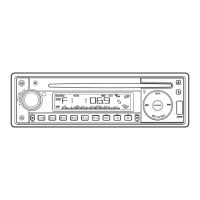
Press DISPLAY button repeatedly to Display ID3 TAG information.
If the MP3 file is available with ID3 TAG, pressing the display button repeatedly will show
information in the following sequence:
SONG TITLE > ARTIST> ALBUM TITLE
If any of the ID3-TAG information is not available, pressing the DISPLAY button repeatedly will
show information in the following sequence:
UNKNOWN SONGNAME> UNKNOWN ARTIST> NO ALBUM TITLE
If the MP3 file is without ID3 TAG, pressing the DISPLAY button, & “NO ID3 TAG” will be
displayed.
The file name & track number of the MP3 file will scroll repeatedly through the display during
the playing of the MP3 file.
ID3 TAG
E - 14


 To Next Page