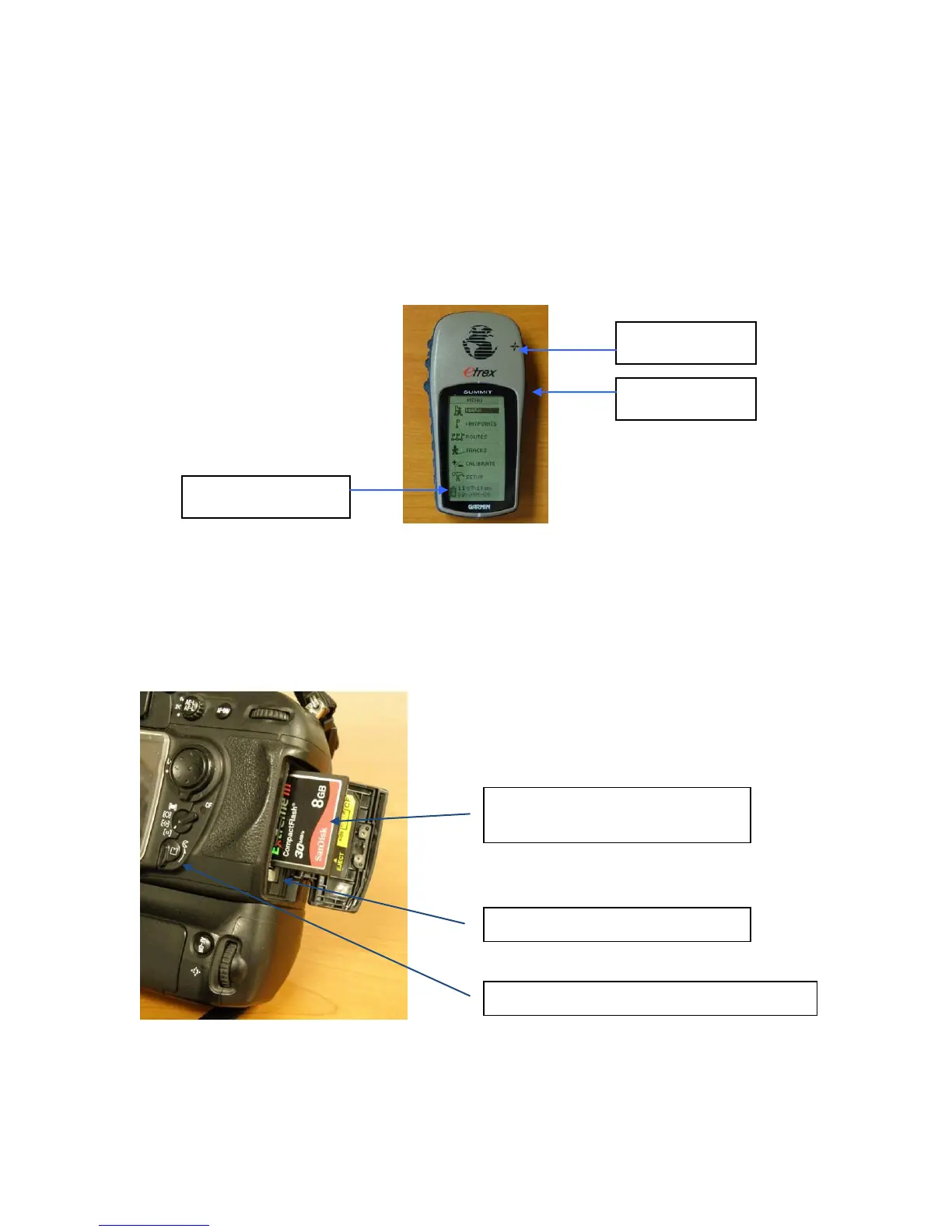
Turn on the Garmin etrex GPS [right side second button from top]
Push Page button until Menu screen appears [top button right side]
At the bottom of the screen there is a battery indicator- it should be grayed in. If not more
than 50% grayed in, replace battery.
Battery is replaced by turning the metal fastener on the back of the unit counter
clockwise 90 degrees and then removing the back cover. Install 2 AA batteries.
When done, push and hold Power button until the unit turns off. [Right side second
button from top]
1.1 Nikon D200 Camera Pre-mission Initiation
Verify that there is a memory card in the camera.
Memory Card – kit includes,
1GB, 4GB and 8 GB cards
Push this button to eject card
Rotate knob to open Memory Card door



 To Next Page