B
Removing
the
Battery
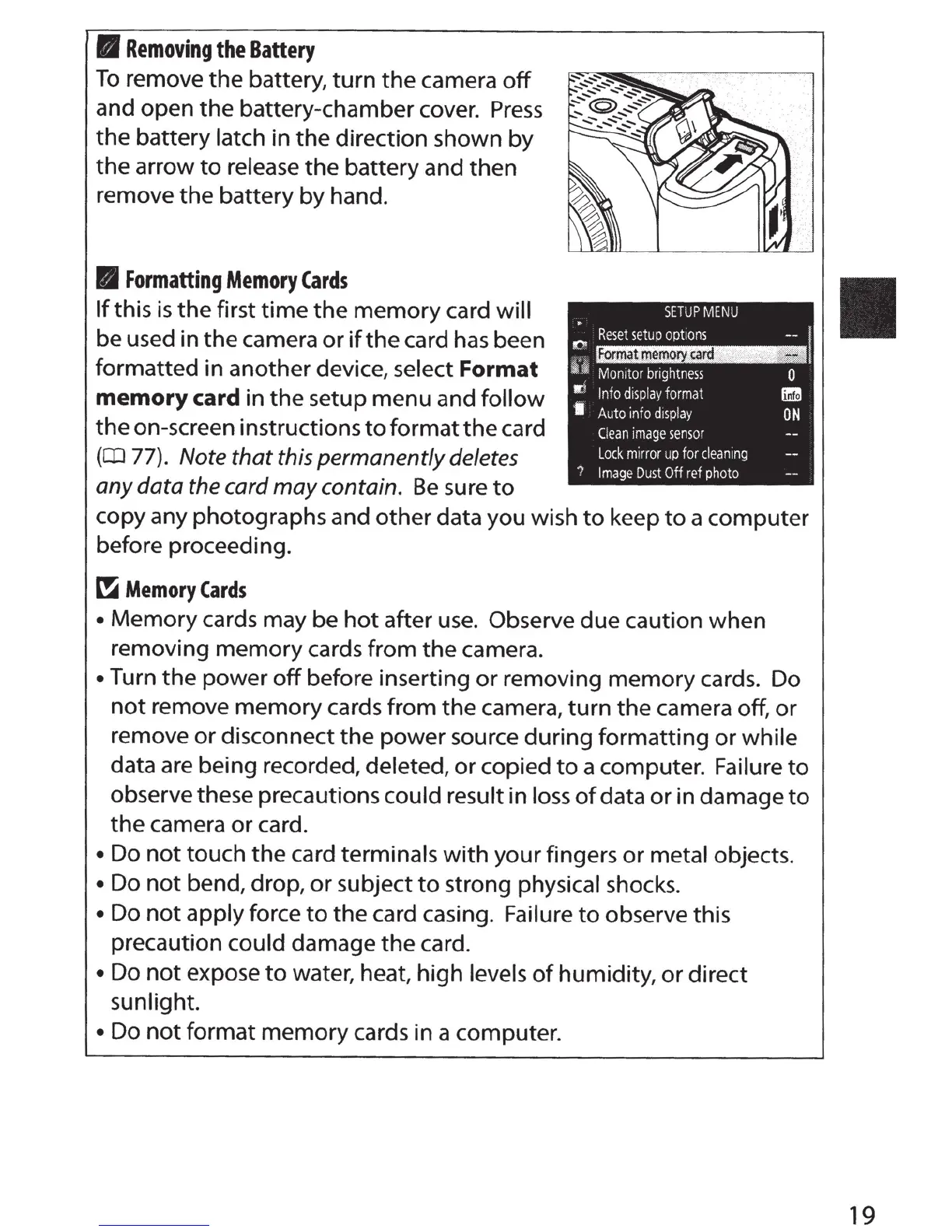
To
remove
the
battery,
turn
the
camera
off
and open
the
battery-chamber cover.
Press
the
battery
latch
in
the
direction shown
by
the
arrow
to
release
the
battery and
then
remove
the
battery
by
hand.
B
Formatting
Memory
Cards
If
this is
the
first
time
the
memory card
will
be used in the camera
or
if
the
card has been
formatted in another device,
select
Format
memory
card
in
the
setup menu and follow
the
on-screen instructions
to
format
the
card
(
CD
77).
Note that this permanently deletes
any
data
the
card
may
contain.
Be
sure
to
copy any photographs and
other
data you wish
to
keep
to
a computer
before proceeding.
~
Memory
Cards
•
Memory
cards may be
hot
after use. Observe due caution when
removing memory cards from
the
camera.
•
Turn
the
power
off
before inserting
or
removing
memory
cards. Do
not
remove
memory
cards from
the
camera,
turn
the
camera off,
or
remove or disconnect
the
power source during formatting
or
while
data are being recorded, deleted,
or
copied
to
a computer.
Failure
to
observe these precautions could result
in loss
of
data
or
in damage
to
the
camera
or
card.
• Do
not
touch
the
card terminals
with
your
fingers
or
metal
objects
.
• Do
not
bend, drop,
or
subject
to
strong
physical
shocks.
• Do
not
apply force
to
the
card casing.
Failure
to
observe this
precaution
could
damage
the
card.
• Do
not
expose
to
w.ater, heat, high
levels
of
humidity,
or
direct
sunlight.
• Do
not
format
memory
cards in a computer.
19



 To Next Page