EasyManua.ls Logo

Nikon D3300 - Page 83

Nikon D3300
541 pages
Print Icon
To Next Page IconTo Next Page
To Previous Page IconTo Previous Page
Loading...
4
Pan
the
camera.
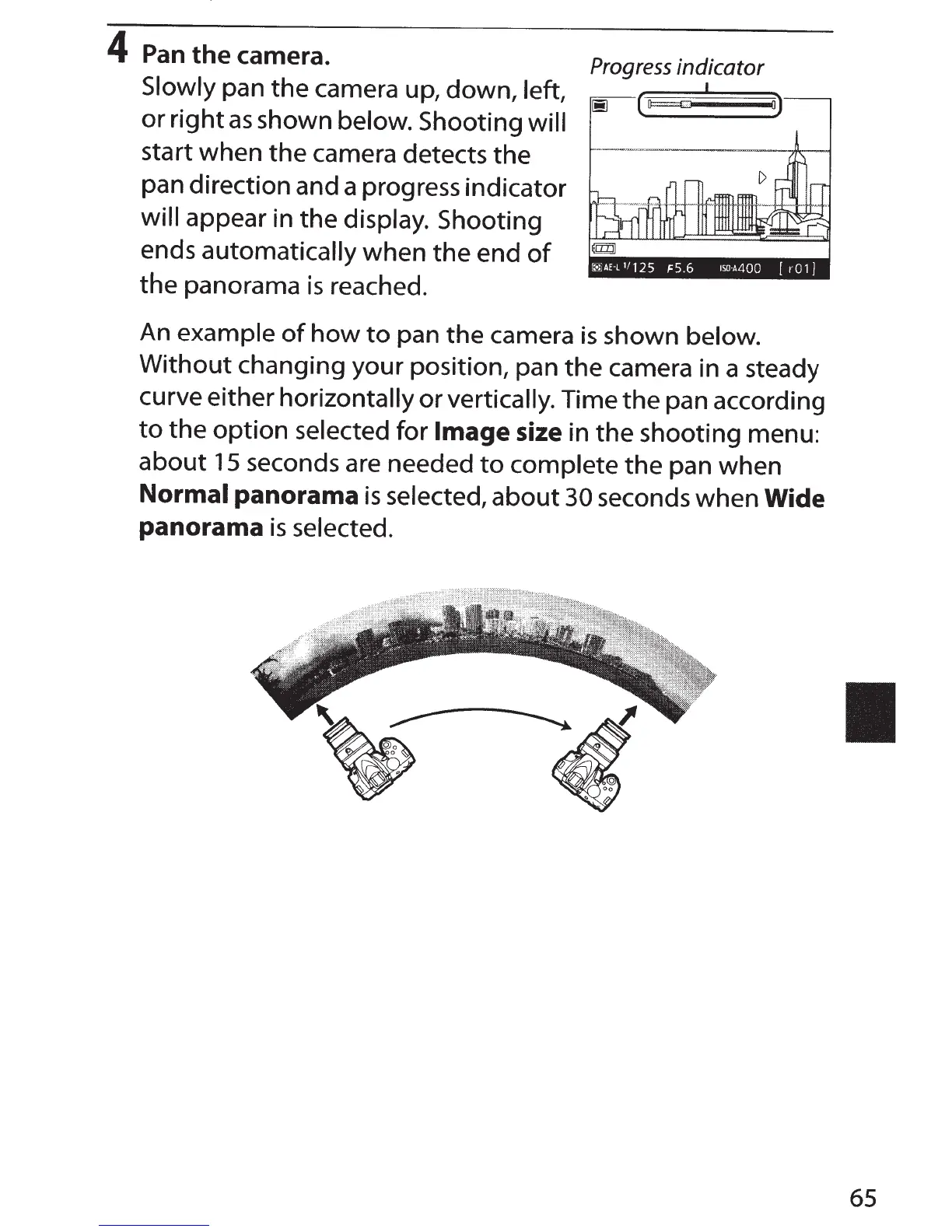
Slowly
pan the camera up, down,
left,
or
right
as
shown below.
Shooting
will
start when the camera detects the
pan direction and a progress indicator
will
appear in the
display.
Shooting
ends automatically
when the end
of
the panorama
is
reached.
Progress
indicator
I
(
o)
An
example
of
how
to
pan the camera
is
shown
below.
Without
changing your position, pan the camera in a steady
curve either
horizontally
or
vertically.
Time the pan according
to
the
option
selected
for
Image
size
in
the
shooting menu:
about
15
seconds are needed
to
complete
the pan when
Normal
panorama
is
selected,
about
30
seconds when
Wide
panorama
is
selected.
65

Table of Contents

Other manuals for Nikon D3300

Related product manuals