1
If you are using Windows 8, select Desktop in the start screen to enter
desktop mode.
2
Right-click the I agree - Begin download link on the download site and
select Save Target As. Save the file to the folder created in Step 3-1.
3
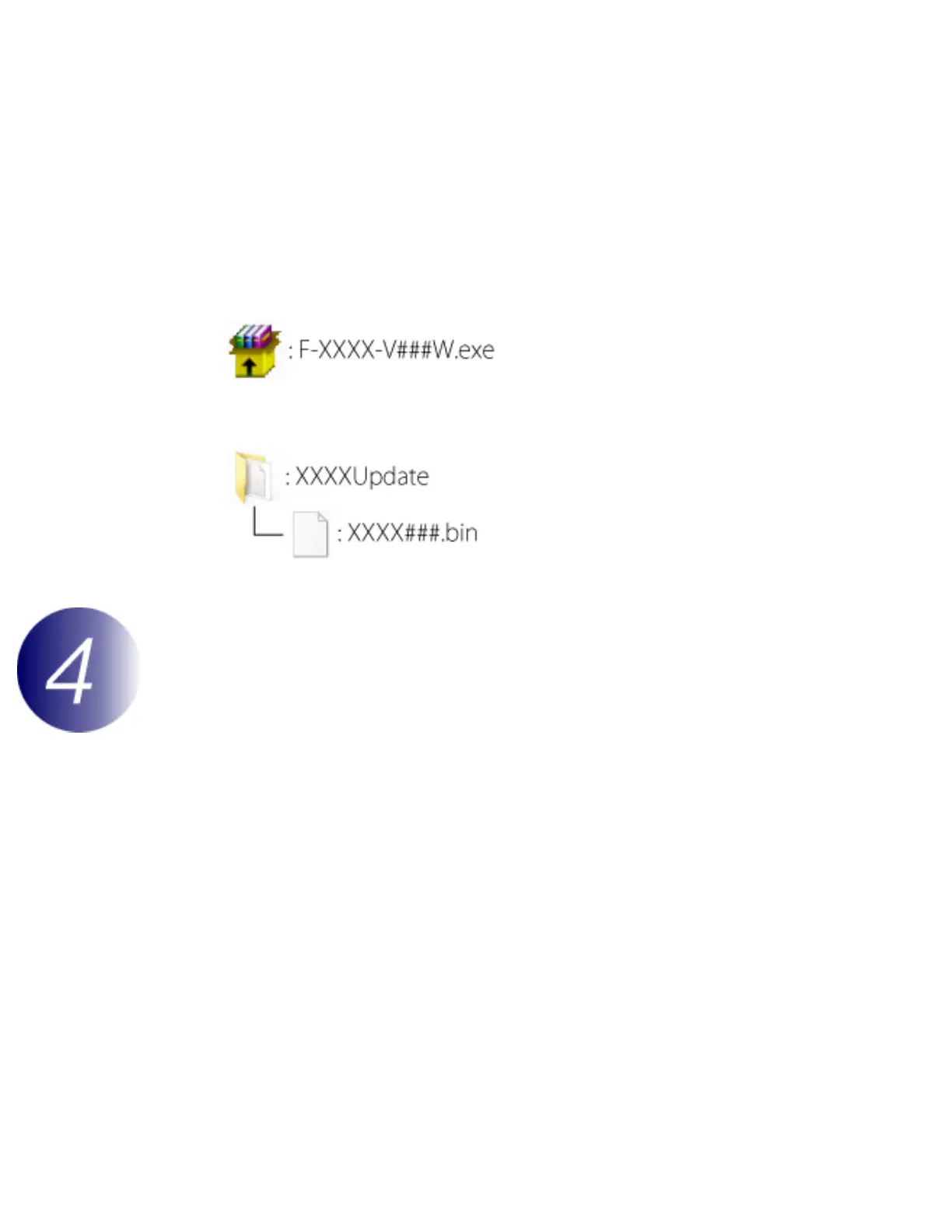
Open the folder created in Step 3-1 and double-click the downloaded file (“F-
XXXX-V###W.exe”, where “XXXX” is the camera name and “###” the
firmware version) to extract the firmware to a sub-folder in the new folder.
The resulting file and folder hierarchy is shown below:
Copy the firmware to the memory card
The firmware can be copied to the camera memory card using a computer equipped
with a card reader or card slot.
1
Insert a formatted memory card in the card reader or card slot. If ViewNX 2 or
Nikon Transfer is installed, Nikon Transfer 2 or Nikon Transfer may start
automatically; exit the application before proceeding.
file:///C|/Users/dbolger/Desktop/April%202%20releases/D3S/En/En/dslr_win_en.html (3 of 7) [4/1/2013 12:14:26 PM]



 To Next Page