8
Confirm that the update was completed successfully.
8-1.Turn the camera off and remove the memory card.
8-2.Check the camera firmware version as described in Step 2, “Check the
current camera firmware version”.
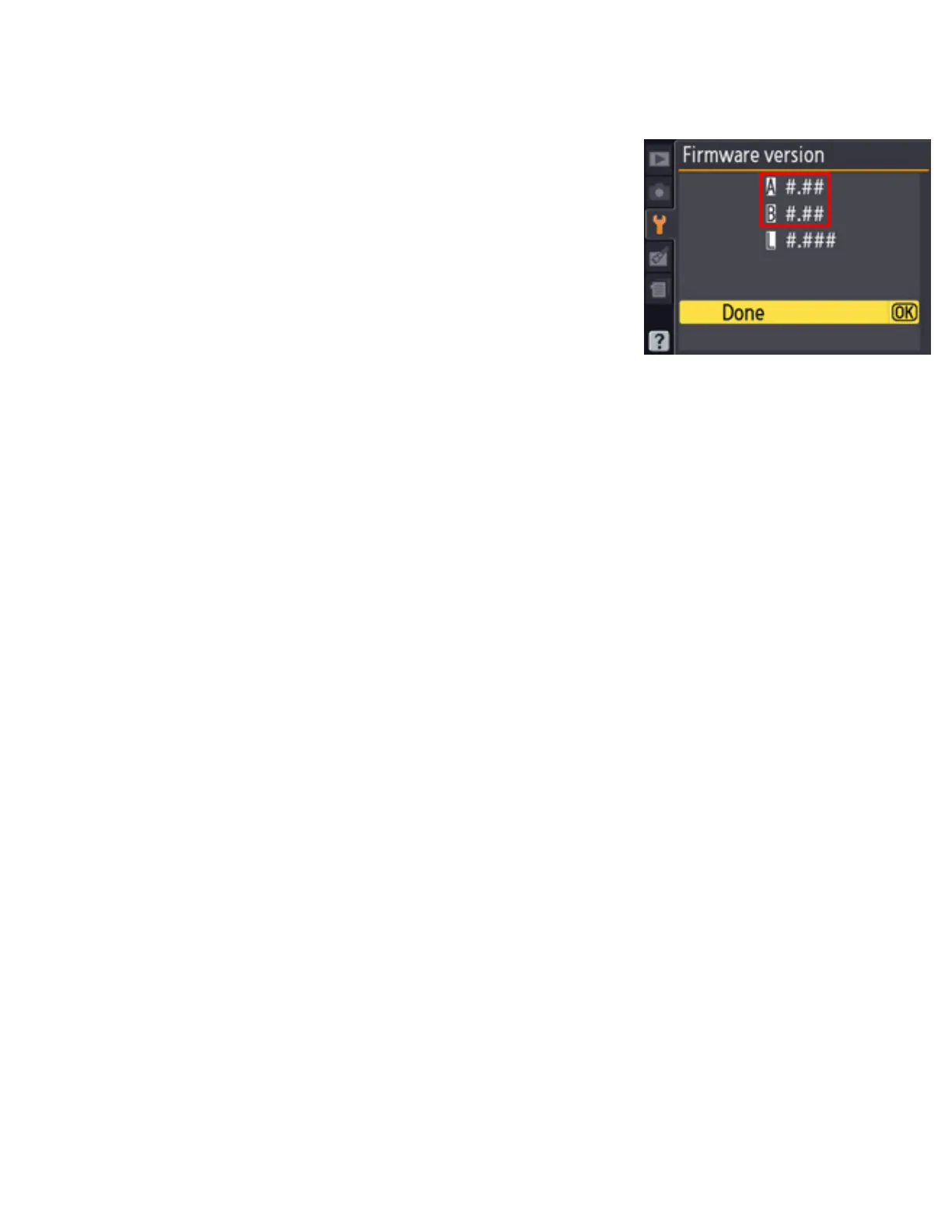
8-3.
If the updated version is displayed, the
update was successful.
“#.##” is the firmware version.
If the update was not successful, contact a Nikon service representative.
9
Format the memory card in the camera.
This completes the firmware update.
file:///C|/Users/dbolger/Desktop/April%202%20releases/D3S/En/En/dslr_win_en.html (7 of 7) [4/1/2013 12:14:26 PM]



 To Previous Page