ii
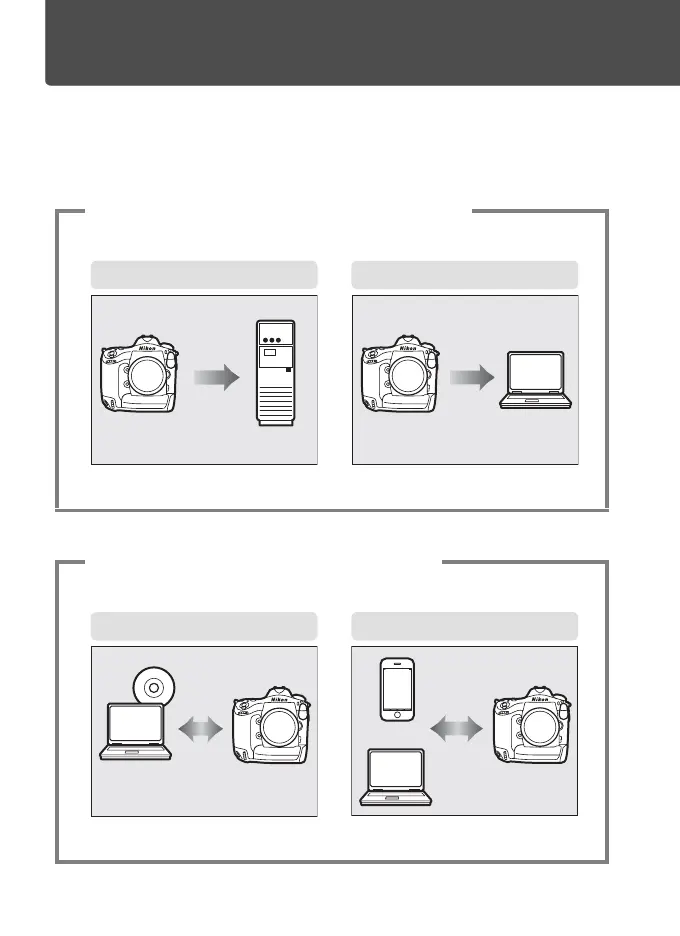
What Networks Can Do for You
This manual describes how to connect to a network, access the camera
remotely, and upload images to computers and ftp servers over Ethernet
connections. Once a connection has been established, you can:
1
Upload existing photos and movies
2
Take or browse photos remotely
FTP upload (041) Image transfer (015)
ftp server
Computer
Camera control (019) HTTP server (022)
Camera Control Pro 2
iPhone
Computer



 To Next Page