10
6
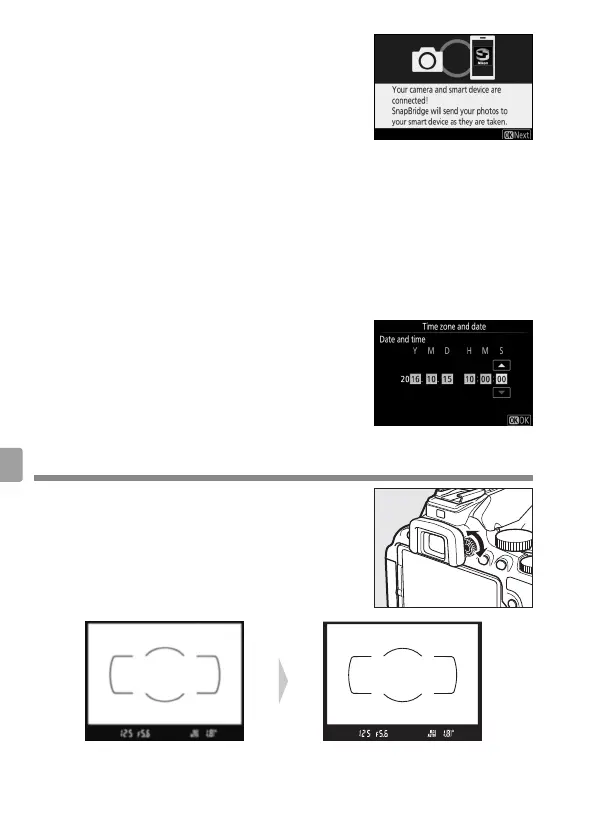
Press J when the dialog at right is
displayed.
If the camera displays Unable to
connect., the display will change after a
short pause. Return to Step 4.
7
Follow the on-screen instructions.
Follow the instructions displayed by the camera and smart device
to complete the setup process.
❚❚ Setup from the Camera Menus
1
Turn the camera on.
A language-selection dialog will be displayed; press 1 and 3 to
highlight a language and press J to select.
2
Press G and set the camera clock.
After setting time zone, date format, and
daylight saving time options, use the
multi selector and J button to set the
camera clock.
Focus the View nder
After removing the lens cap, rotate the
diopter adjustment control until the AF
area brackets are in sharp focus. When
operating the control with your eye to the
view nder, be careful not to put your ngers
or ngernails in your eye.
View nder not in focus View nder in focus



 To Next Page