91
d
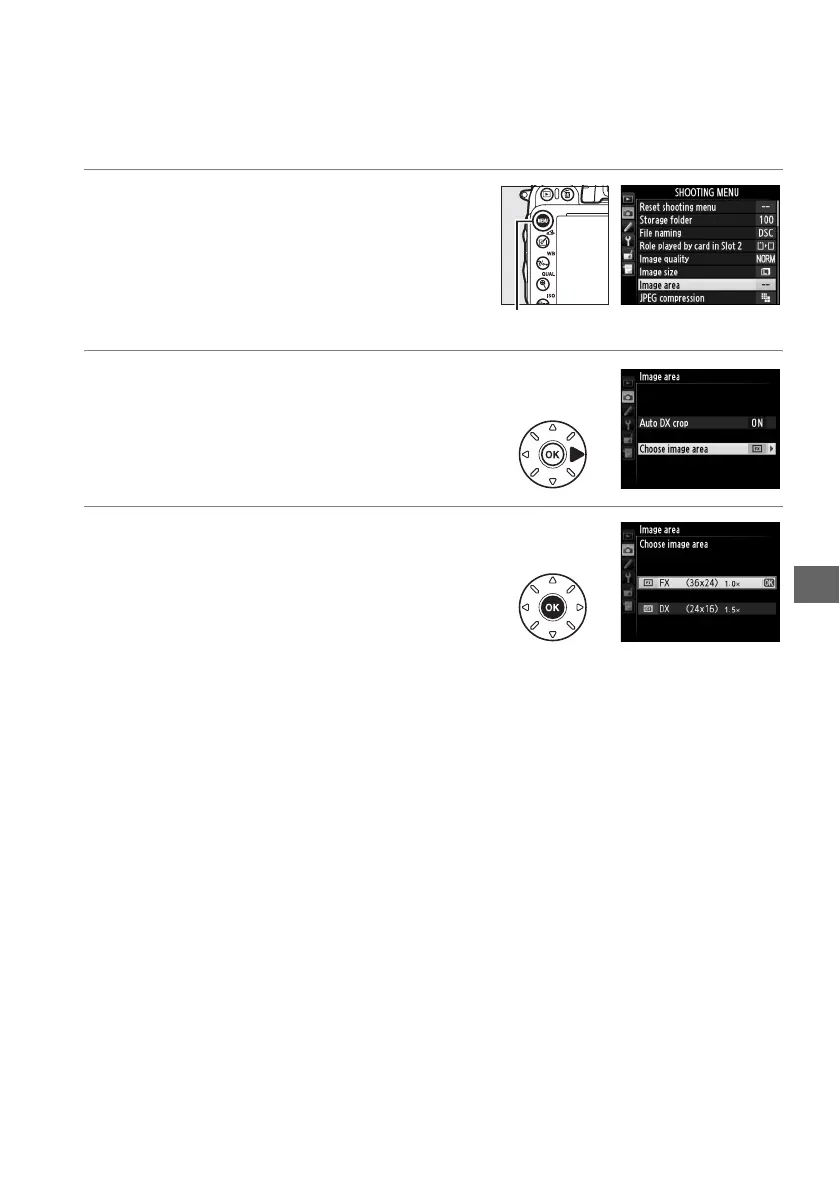
Image area can be set using the Image area option in the shooting menu or by
pressing a control and rotating a command dial.
❚❚ The Image Area Menu
1 Select Image area in the shooting
menu.
Press G to display the menus.
Highlight
Image area in the shooting menu (0 214)
and press 2.
2 Choose an option.
Highlight Auto DX crop or Choose image
area and press 2.
3 Adjust settings.
Choose an option and press J.
The
selected crop is displayed in the viewfinder
(0 90).
G button



 To Next Page