40
s
Creative Photography (Scene Modes)
The camera offers a choice of “scene” modes.
Choosing a scene mode
automatically optimizes settings to suit the selected scene, making
creative photography as simple as selecting a mode, framing a picture,
and shooting as described on pages 35–39.
❚❚ h Mode
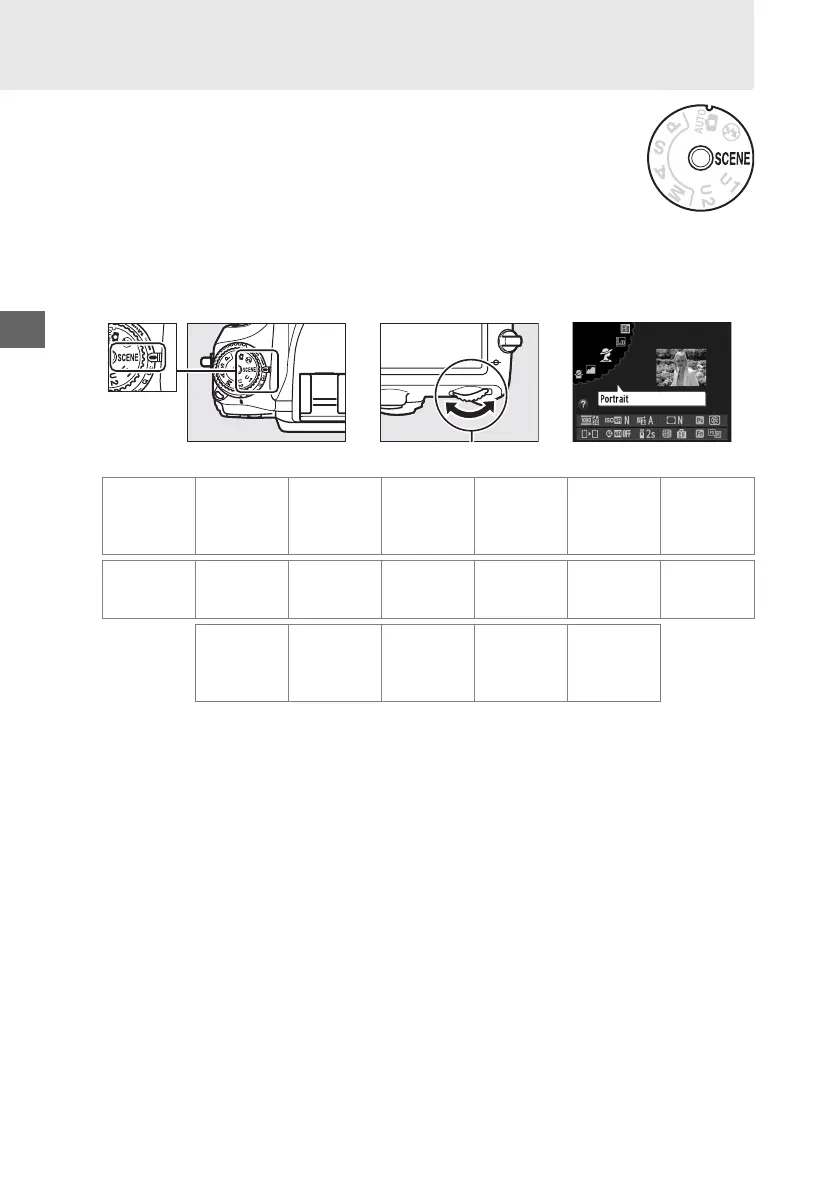
To view the currently selected scene, rotate the mode dial to h and press the R
button.
To choose another scene, rotate the main command dial.
Mode dial
Main command dial Monitor
Portrait Landscape Child Sports Close up
Night
portrait
Night
landscape
klpmnor
Party/indoor Beach/snow Sunset Dusk/dawn Pet portrait Candlelight Blossom
stuvw x y
Autumn
colors Food Silhouette High key Low key
z0123



 To Next Page