169
t
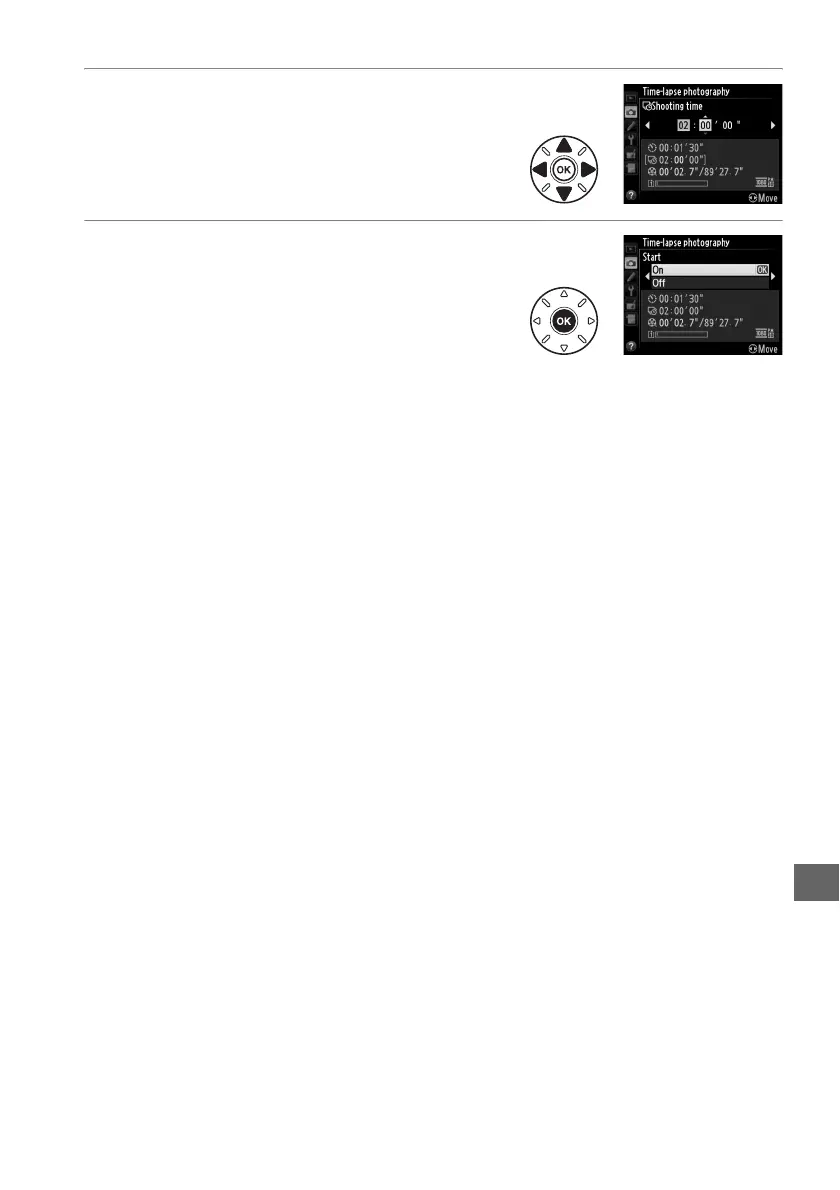
4 Select the shooting time.
Press 4 or 2 to highlight hours or minutes;
press 1 or 3 to change.
The maximum
shooting time is 7 hours and 59 minutes.
Press 2 to continue.
5 Start shooting.
Highlight On and press J (to return to the
shooting menu without starting time-lapse
photography, highlight Off and press J).
Time-lapse photography starts after 3 s.
The
camera takes photographs at the interval selected in Step 3 for the time
selected in Step 4.
The memory card access lamp lights while each shot is
recorded; note that because shutter speed and the time needed to record the
image to the memory card may vary from shot to shot, the interval between a
shot being recorded and the start of the next shot may vary.
Shooting will not
begin if a time-lapse movie can not be recorded at current settings (for
example, if the memory card is full, the interval or shooting time is zero, the
interval is longer than the shooting time, or remote (4) release mode is
selected).
When complete, time-lapse movies are recorded to the memory card selected
for Movie settings > Destination (0 65).



 To Next Page