294
n
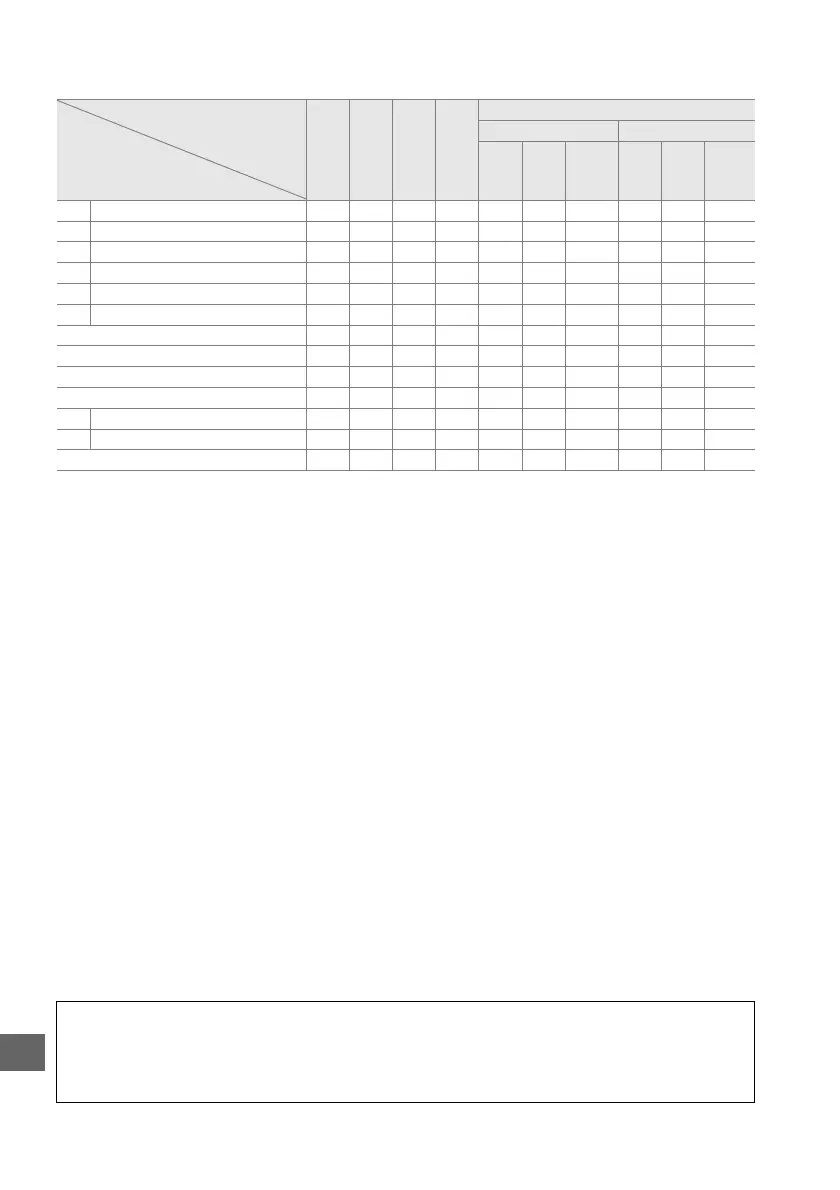
The following features are available with CLS-compatible flash units:
Flash unit
SB-910
SB-900
SB-800
SB-700 SB-600
SB-400
SB-300
Advanced Wireless Lighting
Master/commander Remote
Flash mode/feature
SB-910
SB-900
SB-800
SB-700 SU-800
1
SB-910
SB-900
SB-800
SB-700
SB-600
SB-R200
i-TTL i-TTL balanced fill-flash for digital SLR ✔
2
✔
3
✔
2
✔
3
✔✔✔✔✔✔
AA Auto aperture ✔
4
———✔
5
— ✔
5
✔
5
——
ANon-TTL auto ✔
4
———✔
5
——✔
5
——
GN Distance-priority manual ✔✔———— — —— —
M Manual ✔✔✔✔
6
✔✔✔✔✔✔
RPT Repeating flash ✔ ——— ✔ — ✔✔✔—
Auto FP High-Speed Sync
7
✔✔✔— ✔✔✔✔✔✔
FV lock ✔✔✔✔✔✔ ✔ ✔✔ ✔
AF-assist for multi-area AF
8
✔✔✔— ✔✔ ✔ —— —
Flash Color Information Communication ✔✔✔✔✔✔ ————
REAR Rear-curtain sync ✔✔✔✔✔✔ ✔ ✔✔ ✔
Y Red-eye reduction ✔✔✔✔
9
✔✔ ————
Power zoom ✔✔✔— ✔✔ ————
1 Only available when SU-800 is used to control other flash units.
The SU-800 itself is not equipped with a
flash.
2 Standard i-TTL flash for digital SLR is used with spot metering or when selected with flash unit.
3 Standard i-TTL flash for digital SLR is used with spot metering.
4Selected with flash unit.
5Auto aperture (AA) is used regardless of mode selected with flash unit.
6Can be selected with camera.
7Select 1/250 s (Auto FP) or 1/200 s (Auto FP) for Custom Setting e1 (Flash sync speed, 0 234).
8CPU lens required.
9 Not available with SB-300.
A Auto Aperture/Non-TTL Auto
Unless the focal length and maximum aperture are specified using the Non-CPU lens data
option in the setup menu, choosing auto aperture (AA) when a non-CPU lens is attached
automatically selects non-TTL auto (A).



 To Next Page