Removing Batteries
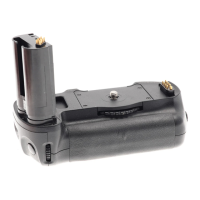
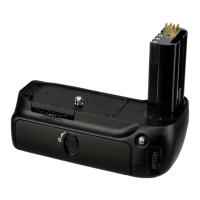
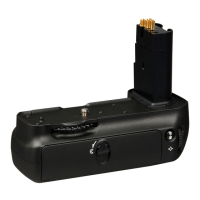
Be careful not to drop batteries, the holder, or the optional battery-chamber cover.
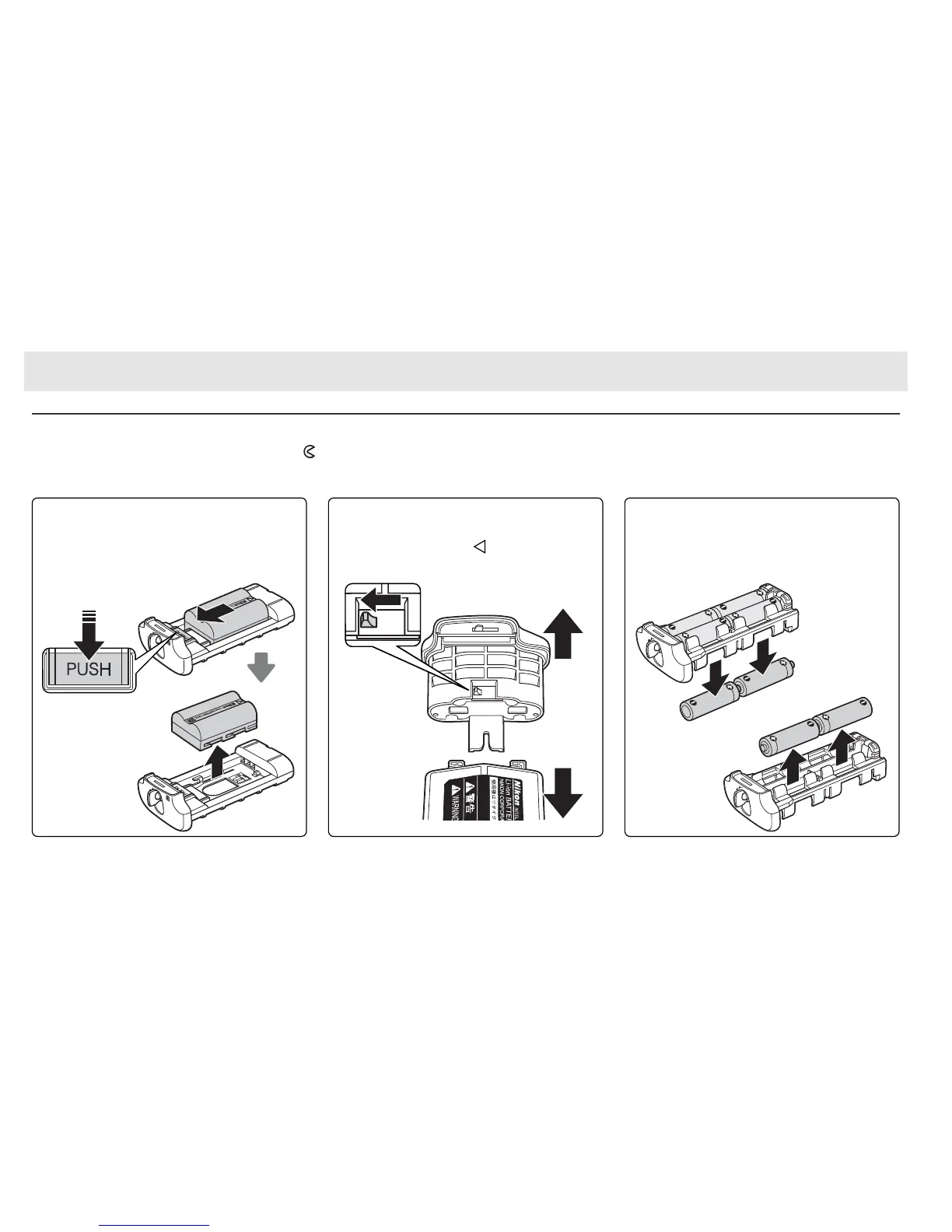
1 Turn the MB-D10 battery-chamber latch to
and remove the battery holder (Figure E).
2 Remove the battery or batteries from the holder or optional battery-chamber cover.
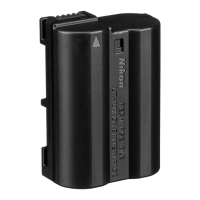
EN-EL3e
While pressing the holder PUSH button, slide
the battery toward the button.
The battery
can then be removed as shown.
EN-EL4a/EN-EL4
Slide the battery release in the direction in-
dicated by the arrow ( ) and remove the
battery-chamber cover.
AA Batteries
Remove the batteries as shown.
Be careful
not to drop the batteries when removing
them from the holder.


 To Next Page