EasyManua.ls Logo

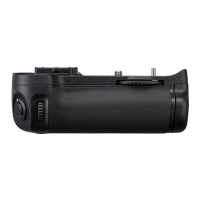
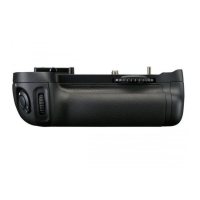
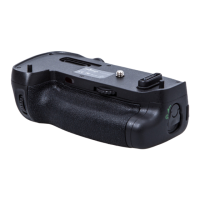
Nikon MB-D11 - MB-D11 Controls and Features; Parts of the MB-D11; MB-D11 Control Lock

Nikon MB-D11
16 pages
Print Icon
To Next Page IconTo Next Page
To Previous Page IconTo Previous Page
Loading...
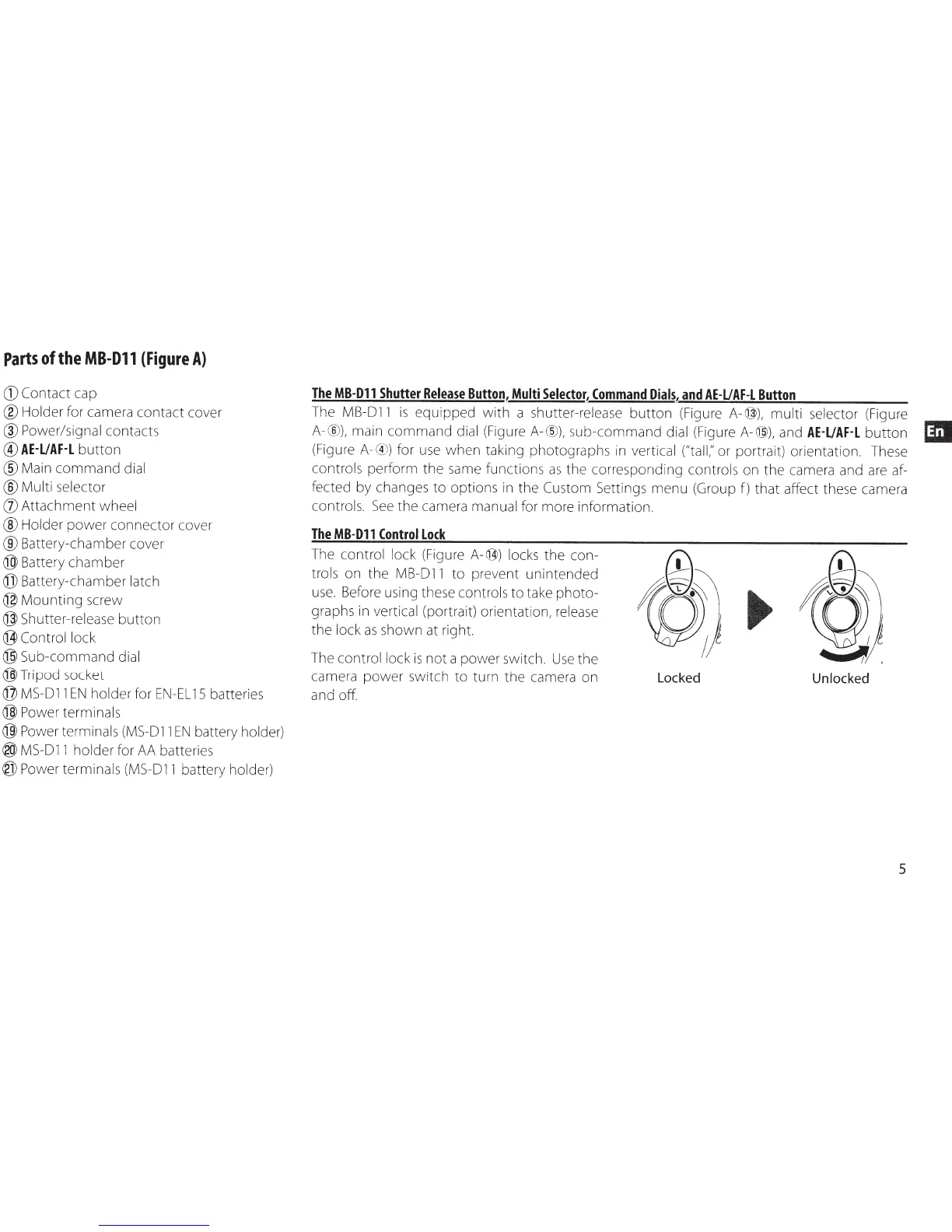
Parts
of
the
MB-011
{Figure
A}
CD
Contact
cap
®Holder
for camera
contact
cover
®Power/signal
contacts
@
AE·UAF·L
button
®Main
command
dial
®Multi
selector
(j)
Attachment
wheel
®Holder
power
connector
cover
®Battery-chamber
cover
@Battery
chamber
@Battery-chamber
latch
@Mounting
screw
@Shutter-release
button
@Control
lock
@Sub-command
dial
@Tripod
socket
@
MS-011
EN
holder
for
EN-EL
15
batteries
@Power
terminals
@Power
terminals
(MS-011
EN
battery holder)
®
MS-011
holder for AA batteries
@Power
terminals
(MS-011
battery holder)
The
MB-011
Shutter
Release
Button,
Multi
Selector,
Command
Dials,
and
AE-UAF-L
Button
The
MB-011
is
equipped
with
a shutter-release
button
(Figure
A-@),
multi
selector (Figure
A-®),
main
command
dial (Figure
A-®),
sub-command
dial (Figure
A-@),
and
AE-UAF-L
button
(Figure
A-
® )
for use
when
taking photographs
in
vertical ("tall;' or portrait) orientation. These
controls
perform
the
same functions
as
the
corresponding controls on
the
camera and are af-
fected by changes
to
options in
the
Custom Settings
menu
(Group
f)
that
affect these camera
controls.
See
the
camera manual for more information.
The
MB-011
Control
Lock
The control lock (Figure
A-@)
locks
the
con-
trols
on
the
MB-011
to
prevent
unintended
use.
Before using these controls
to
take
photo-
graphs in vertical (portrait) orientation, release
the
lock
as
shown at right.
The control lock
is
not
a
power
switch.
Use
the
camera
power
switch
to
turn
the
camera on
and off.
Locked
Unlocked
5

Other manuals for Nikon MB-D11

Related product manuals