8
BASIC OPERATION continued
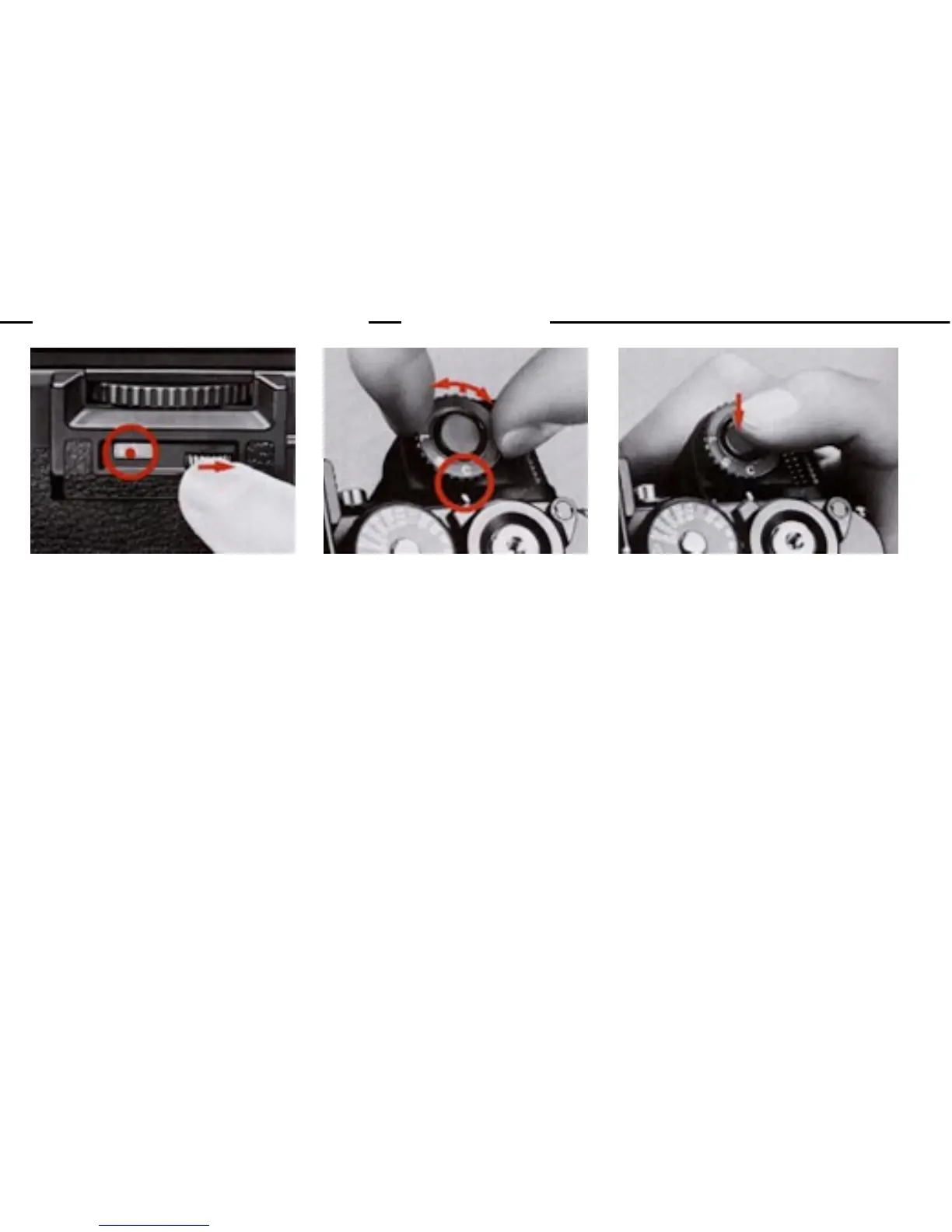
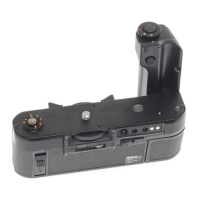
9.Set the frame counter (4) to
the orange dot.
Turn the counter setting dial
(2) until the frame counter
reaches the orange dot.
10.Set the S-C mode selector
(15).
Lift up and set the S-C mode
selector for either S (SINGLE)
or C (CONTINUOUS) operation.
11.Take the picture(s).
Depress the trigger button (14)
halfway to switch on the meter.
If you're satisfied with the
reading, push the button all
the way down to take the shot
(s).


 To Next Page