5. Slowly turn up the amplifier or receiver volume and set it to
a comfortable – not maximum – listening level. Don’t over-
drive or "clip" your amplifier. If the sound becomes muddy
or distorted, you have reached the limit of your amplifier’s
volume capability. Reduce the volume at once to avoid
damaging your speakers.
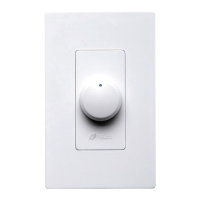
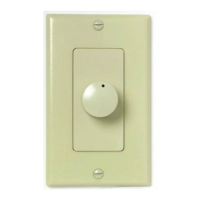
6. Use the volume control to adjust the volume of the speakers
to the desired listening level. If all the speaker pairs in your
system are equipped with Niles volume controls, you can set
the amplifier or receiver volume at one position and use the
Niles controls exclusively.
7. To turn off the speakers, turn the knob on the volume control
fully counter-clockwise, or press the ON/OFF button on your
speaker selector.
SPECIFICATIONS
Audio Power Handling
100W/channel RMS
200W/channel peak music power
Mounting
WMVC-100: In-wall, fits into most 18-cubic-inch single-gang
junction boxes at least 2-3/4" deep
WMVC-100E: Enclosed in a PVC junction box (supplied)
W
iring Requirements
14-18 gauge, two individual runs of two-conductor speaker
wire, or one run of four-conductor speaker wire.
Unit Dimensions
1-5/8" wide x 2-5/8" high
Faceplate Dimensions
Faceplate: 2-3/4" wide x 4-1/2" high
Depth Behind Faceplate
2-9/16"
87
W EATHERPROOF S TEREO V OLUME C ONTROLSW EATHERPROOF S TEREO V OLUME C ONTROLS
Figure 6
Figure 5
Figure 4
Figure 3
When using a receiver, set all of your IM volume
controls at maximum volume. Then turn up the
master volume on the receiver until you reach the
maximum listening level. Finally, turn down the
volume controls.
TECH TIP
DS00311ACN/WVC100-WVC100E 11/12/03 11:00 AM Page 9


 To Next Page
 Loading...