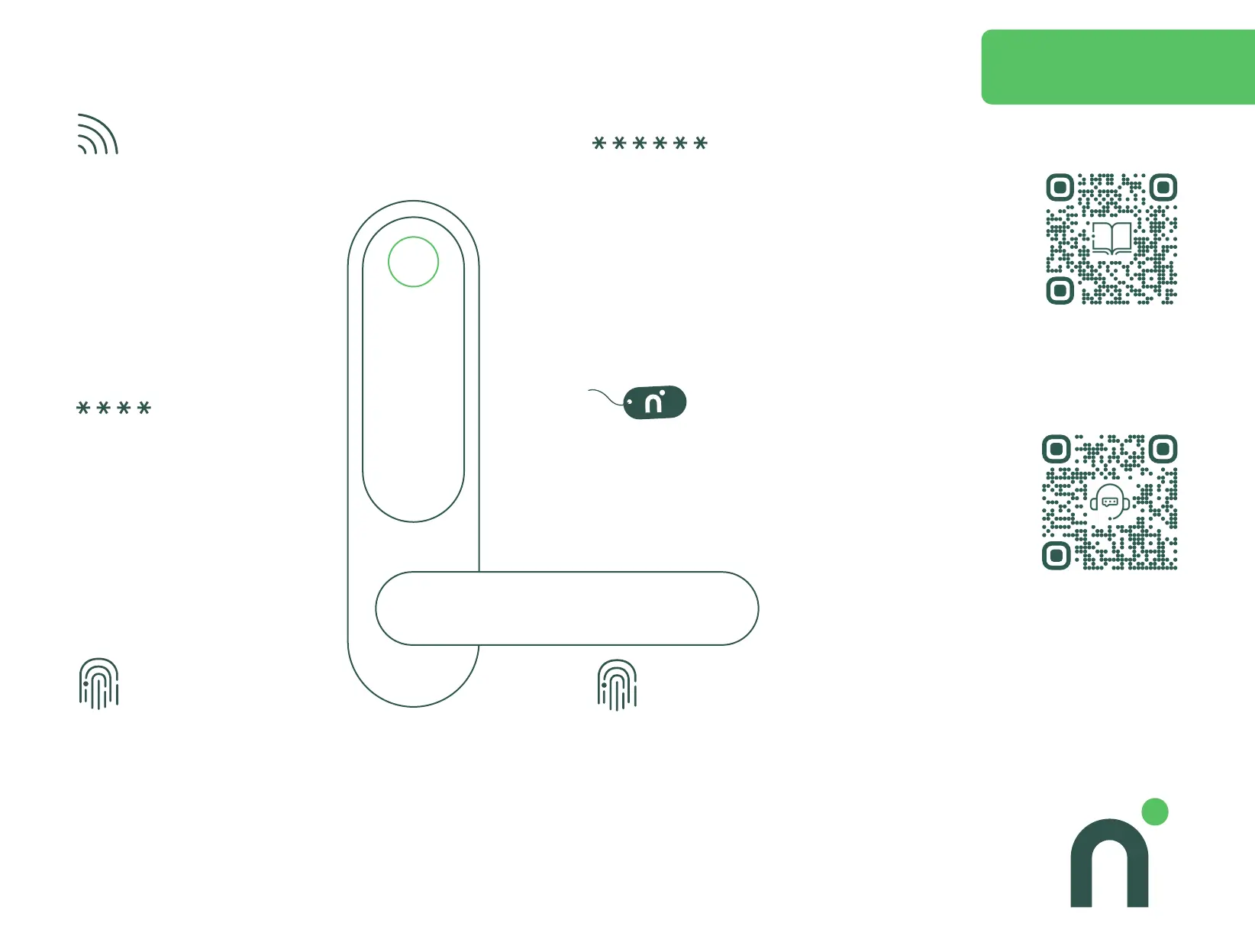
Programming Guide
ADVICE!
WRITE DOWN WHICH USER IS
ALLOCATED TO WHAT USER SLOT
Did you purchase Connect Module
& Gateway?
Install the module according to its own
instructions and carry out the
programming by using the application.
Otherwise, continue with the next step.
1
Create master code – used for access and programming.
User slot 000, 001 and 002 are reserved for the master
code(s). Only one is mandatory. The factory code is 123. All
codes can contain up to 8 digits, we recommend at least 6
for improved security.
Enter: * 000 123 * new master code * new master code *
Example: * 000 123 * 345678 * 345678.
2
Create user code – used for access only.
User codes can be added to user slots from 003
to 999. All codes can contain up to 8 digits.
Enter: * 003 master code * new user code
* new user code*
Example: * 003 345678 * 2323 * 2323 *
3
Add key tag – used for access only.
Key tags can be added to user slots 000 to 999.
Enter: #8 user slot master code # place key tag on the
panel.
Example: #8 000 345678 # place key tag on the panel.
4
Add rst master nger – used for access
and programming.
The rst master nger is automatically
assigned user location 000.
For 001 or 002, see the advanced manual.
Enter # # # and place your nger on the scanner.
When it beeps, lift your nger o and place it back
on the scanner, repeat again when prompted.
5
Add rst user nger – used for access only.
User ngers can be added to user slots 003 to 199.
Enter # # # and place your master nger on the scanner.
Enter user slot 003 and place the user nger on the
scanner. When it beeps, lift your nger o and place it
back on the scanner, repeat again when prompted.
6
Want more detailed information?
Scan for our advanced manual
Touch Pro
Do you need assistance?
Scan to get in touch with
customer support



 To Previous Page