HOME
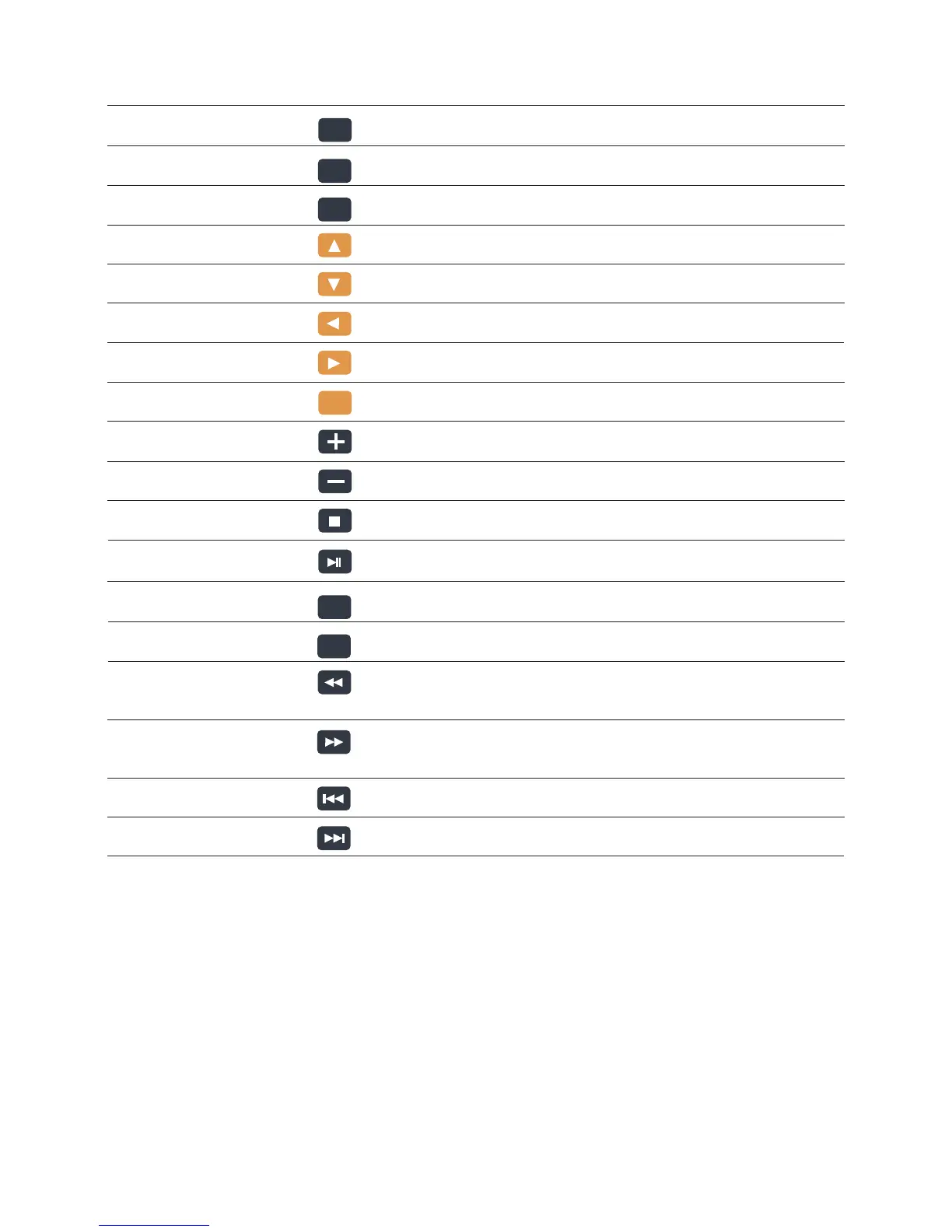
17 HOME Homepage
18 EXIT Exit/Return to the previous menu
19 SUB-T Subtitle Quick Switch
20 UP Press the arrow buttons to navigate the menus
21 DOWN Press the arrow buttons to navigate the menus
22 LEFT Press the arrow buttons to navigate the menus
23 RIGHT Press the arrow buttons to navigate the menus
24 ENTER Confirm, play the file can also be a pause
25 VOL+ Vol + buttons: Press to increase the volume
26 VOL- Vol - buttons: Press to reduce the volume
27 STOP Stop Play
28 PLAY/PAUSE Play/ Pause
29 ROTATE Picture Rotation
30 MODE Switch the picture output mode
31 FR Fast Rewind Buttons: Press to fast rewind the current playback.
Press repeatedly to select faster rewind speeds
32 FF Fast Forward Buttons: Press to fast forward the current playback.
Press repeatedly to select fast forward speeds
33 Previous Previous Piece
34 Next Next Piece
No. Name Keys Function
EXIT
SUB-T
ENTER
ROTATE
MODE
5


 To Next Page