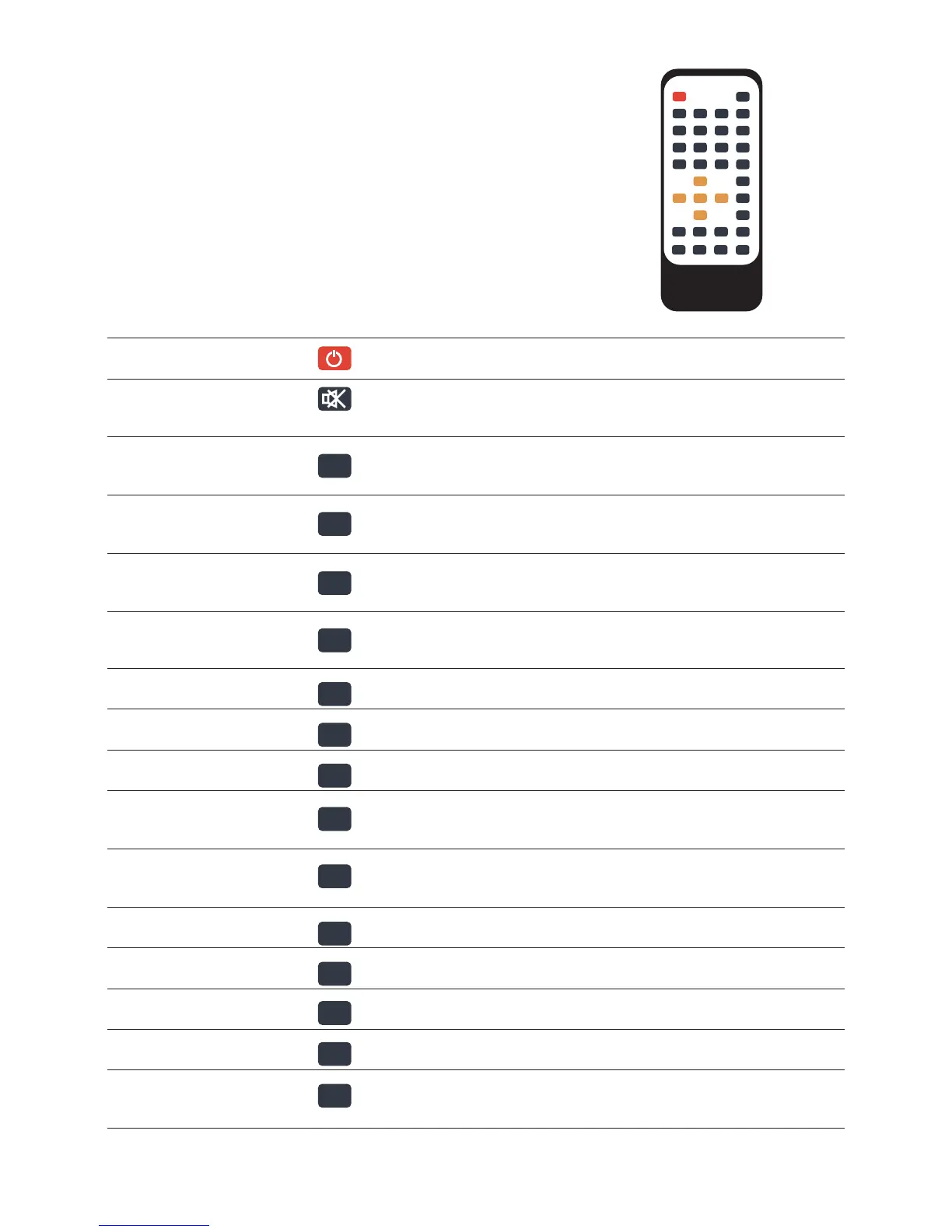
1 POWER Power Button Press to POWER on or off the device
2 MUTE Mute Button: Press to mute audio output, and press again to
resume.
3 MOVIE Movie Button :Press the cursor and confirm the need to select the
need to play the file.
4 MUSIC Music Button: Press the cursor and confirm the need to select the
need to play the file.
5 PHOTO Photo Buttons: Press the cursor and confirm the need to select the
need to play the file.
6 TEXT Text Buttons: All files, press the cursor and confirm the need to
select the need to play the file.
7 VGA VGA Output, press it automatically switches to VGA 1024*768
8 CVBS CVB Output,press it automatically switches to NTSC
9 YPbPr No Function
10 HDMI HDMI Output, press it automatically switches to HDMI
720P50HZ
11 OSD Submenu, the submenu can be picked up when the file is played
and when the file is managed
12 16:9/4:3 Picture Ratio Switching
13 ZOOM Zoom in, only when playing pictures
14 AUDIO Channel Selection
15 MENU System Setup Menu
16 FUNCTION Display the progress of the play, use the cursor and ENTER to
select the progress of the play
II. Remote Control
All procedures in this manual can be carried out using the
remote control buttons.See the following for details on each
button and its function:
No. Name Keys Function
MOVIE
MUSIC
PHOTO
TEXT
VGA
CVBS
YPbPr
HDMI
OSD
16:9/4:3
ZOOM
AUDIO
MENU
FUNCTION
4


 To Next Page