20 Vsett display operation and porgramming
3、Card binding instructions
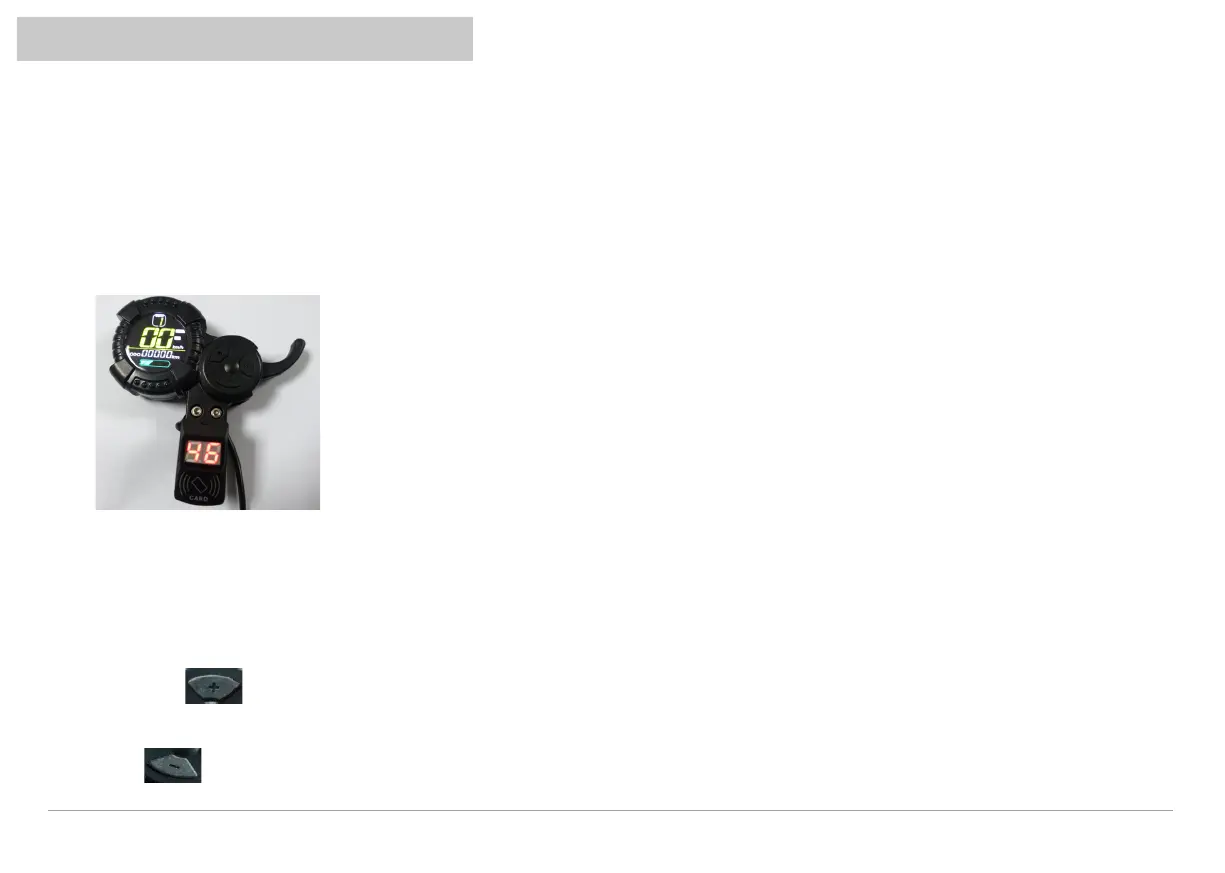
1.The instrument is not bound to ID card:
2.How to bind ID card:
After starting up, the LCD displays the normal contents, and the card swiping area displays the power voltage. At this time, the meter can directly
enter the working state.
The diagram below:
CARDS are bound by factory default
Late setting: When using mobile phone or NFC functional card binding, refer to the following methods
Long press for 5 seconds to display B 0. At this time, the ID card is close to the card swiping area and B 1 is displayed, indicating that
the card is tied successfully and the default is unlimited.
Press for 5 seconds to display C 0. At this time, all ID CARDS that have been unbound are displayed.
Vsett display operation and porgramming


 To Next Page