aside from any you are currently
using.
About the Submenu
Touch an item to
display its
submenu. You
can interact with
items in a
number of ways, including:
・ Use the stylus to drag the
item and change its position.
・ Put the item on the ground.
・ Put a clothing item on.
・ Display certain items as
wallpaper in your home.
♦ The Beauty Salon will only
become available once you have
progressed in the game a certain
amount.
♦ Mii™ characters can be created by
using the Mii Maker. For more
information please consult the
Operations Manual.
♦ If you generate a QR Code from a
custom design, it will be saved on
the SD Card.
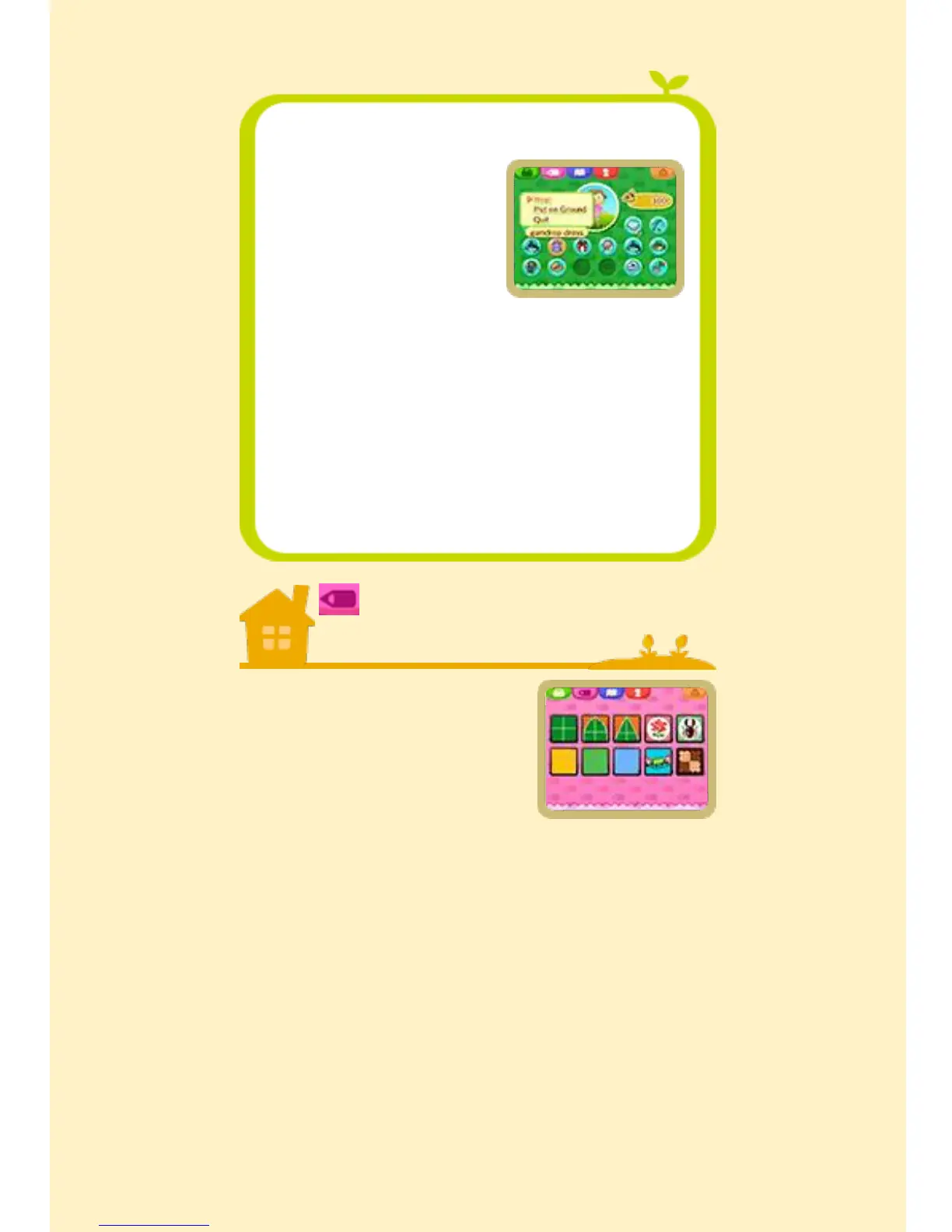
Custom
Designs
Use your own designs
to style your clothes,
furniture and even the
town flag. You can
also use this screen
to remove or reapply any make-up
applied at the Beauty Salon.


 To Next Page
 Loading...