3-54 Navigation
ROUTE GUIDANCE SETTINGS
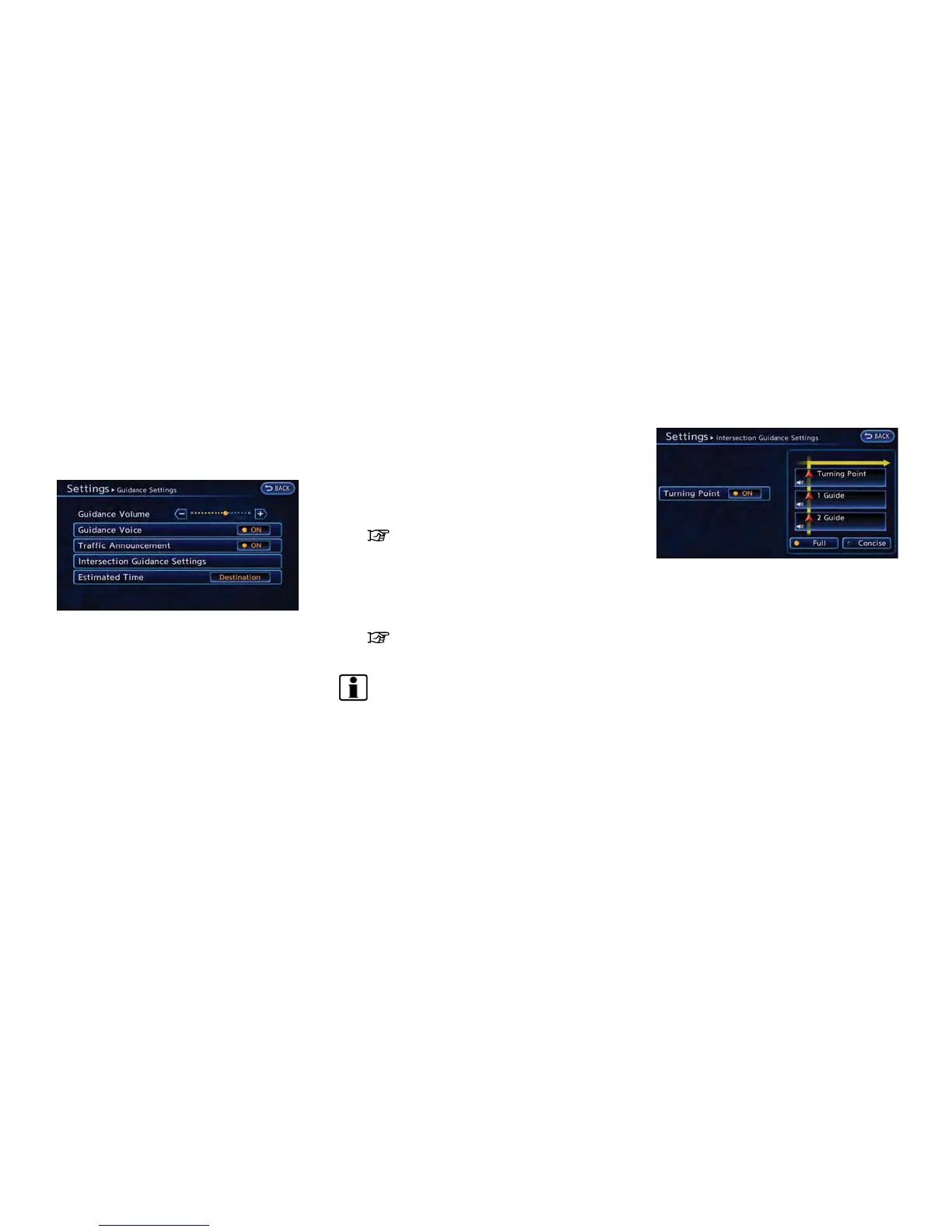
Various guidance information can be set to be
played during route guidance and the route and/
or voice guidance can be activated or deacti-
vated.
1. Push the MENU button and touch [Set-
tings].
2. Touch [Navigation].
3. Touch [Guidance Settings].
4. Touch the item you would like to set.
Available settings
. [Guidance Volume]:
Adjusts the volume level of voice guidance
by touching [+] or [-].
. [Guidance Voice]:
Activates or deactivates voice guidance. The
indicator illuminates if voice guidance is
activated. The indicator illuminates if voice
guidance is activated.
. [Traffic Announcement]:
Provides an announcement of a traffic
information event on the route. The indicator
illuminates if traffic announcement is acti-
vated.
. [Intersection Guidance Settings]:
Sets advanced settings for the voice gui-
dance announced at guide points.
“Route guidance settings”
(page 3-54)
. [Estimated Time]:
Switches the display of the estimated travel
time to the destination or waypoint that is
displayed on the map screen.
“Switching estimated arrival time dis-
play” (page 3-55)
INFO:
The guidance volume can also be adjusted by
turning the audio system volume control button
or pushing <+>/<−> on the steering wheel
while voice guidance is being announced.
Setting voice guidance at intersec-
tions
1. Push the MENU button and touch [Set-
tings].
2. Touch [Navigation].
3. Touch [Guidance Settings].
4. Touch [Intersection Guidance Settings].
5. Touch the preferred item. The indicator for
the selected item illuminates.
Available settings
. [Full]:
The system announces voice guidance
twice: "1 Guide" and "2 Guide".
. [Concise]:
The system announces voice guidance
once: "1 Guide".



 To Next Page