3-62 Navigation
2. Set the direction that sounds the alarm by
touching [
]or[ ].
3. Touch [OK]. The selected direction is set.
INFO:
After the direction is set and [Direction] is
selected and set again, a confirmation message
is displayed. Confirm the contents of the
message then touch [Yes]. The set direction is
overwritten.
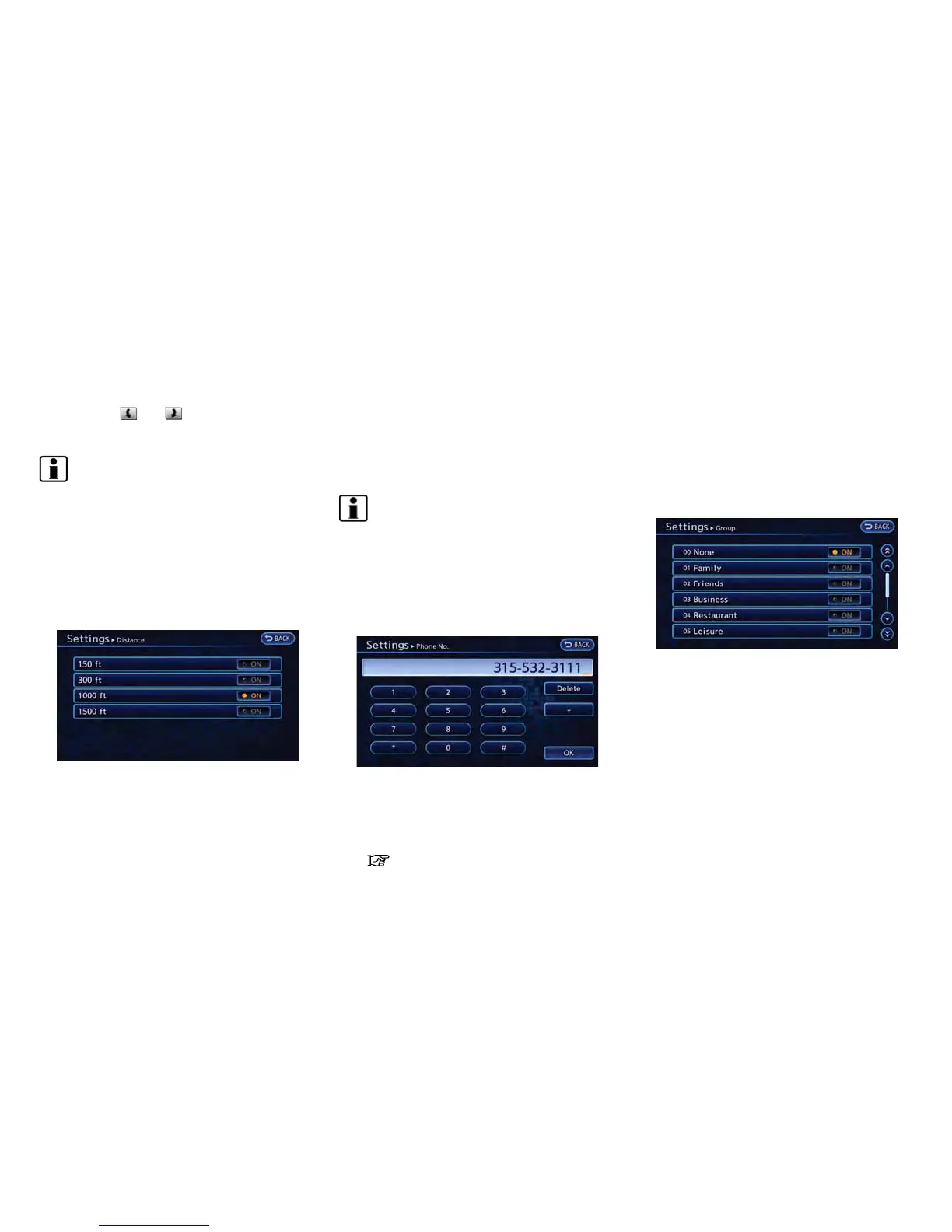
Distance:
Sets the alarm to sound when reaching a
specific distance to the home or stored address.
1. Touch [Distance].
2. Touch the preferred distance option. The
indicator of the selected distance illumi-
nates.
Available distance options:
. 150 feet (50 m)
. 300 feet (100 m)
. 1000 feet (300 m)
. 1500 feet (500 m)
INFO:
Once the direction and the distance to sound an
alarm are set, the system will sound the alarm
when the vehicle enters the triggering zone.
Phone number:
Stores the telephone number of the home or a
stored address.
1. Touch [Phone No.]. The telephone number
entry screen is displayed.
2. Enter the telephone number of the home or
stored address.
“Phone number input screen”
(page 1-8)
3. Touch [OK]. The telephone number is
stored.
Group (only for stored addresses):
This groups the stored addresses. By grouping
the stored addresses, the [Sorted By Group]
option of the sort function can be used more
effectively in the [Sort] mode.
1. Touch [Group].
2. Touch the preferred group. When the
indicator of the selected group illuminates,
the stored address is classified into the
applicable group.
Entry Numbers (only for stored addresses):
Index the position numbers of any two stored
addresses in the list.



 To Next Page