3-64 Navigation
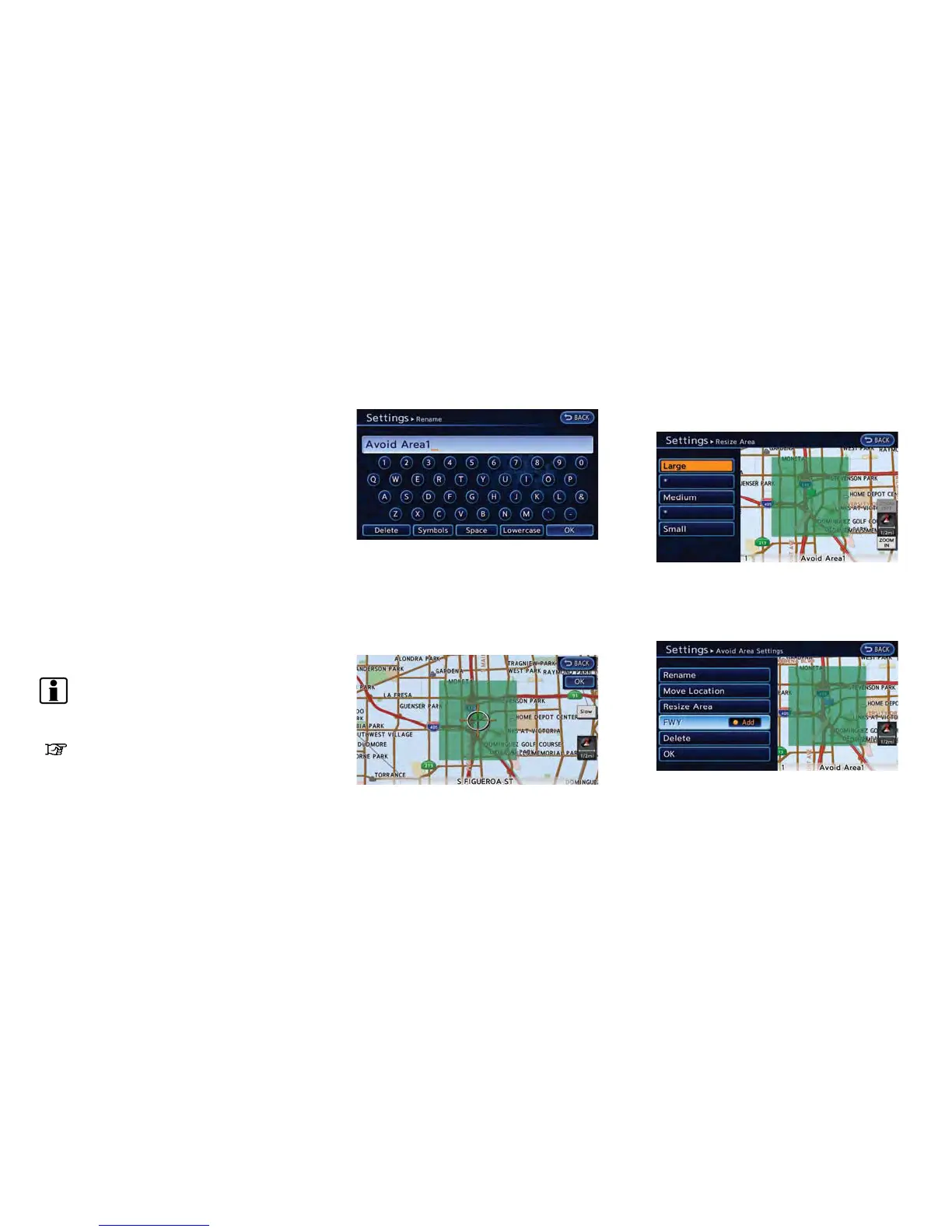
Available settings
.
[Rename]:
Changes the name of an Avoid Area.
.
[Move Location]:
Adjusts the location of the Avoid Area.
.
[Resize Area]:
Adjusts the range of the Avoid Area.
.
[FWY]:
Sets the route to avoid freeways.
.
[Delete]:
Deletes the Avoid Area.
.
[OK]:
Applies the setting.
4. After finishing the setting, touch [OK].
INFO:
An Avoid Area can be added by selecting [Add
New].
“Storing avoid area” (page 3-58)
Rename:
1. Touch [Rename]. A character input screen is
displayed.
2. Enter the preferred name for the avoid area.
3. Touch [OK]. The name is stored.
Move location:
1. Touch [Move Location].
2. Adjust the location of the Avoid Area.
3. After adjusting the location, touch [OK].
Resize area:
1. Touch [Resize Area].
2. Touch the range from 5 available levels.
FWY:
1. To include freeways in the Avoid Area, touch
[FWY] to illuminate this indicator.



 To Next Page