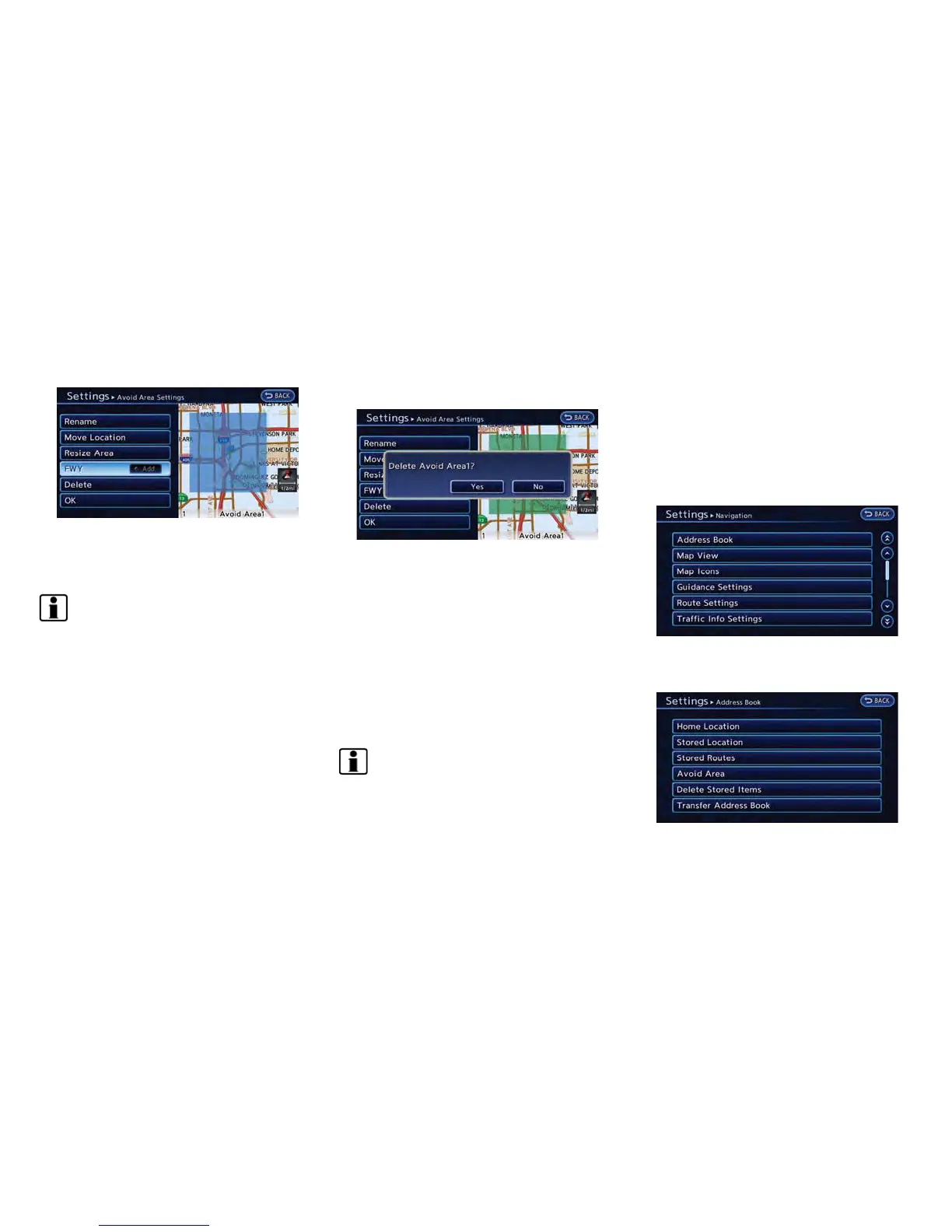
2. The Avoid Area is displayed in green if it
includes a freeway or in blue if it does not
include a freeway.
INFO:
If the current vehicle location is set to an Avoid
Area, the system will not provide route guidance.
Delete:
1. Touch [Delete]. A confirmation message is
displayed.
2. Confirm the contents of the message, then
touch [Yes]. The stored item is deleted from
the Address Book.
DELETING STORED ITEM
The locations and routes in the Address Book
can be deleted. Two deletion methods are
available: deleting an individual item and delet-
ing all stored items.
INFO:
Deleted items cannot be restored. Before
deleting an item, always make sure that the item
is no longer needed.
Deleting stored item individually
You can delete stored addresses, routes and
avoid areas individually.
1. Push the MENU button and touch [Set-
tings].
2. Touch [Navigation].
3. Touch [Address Book].
Example: [Stored Location] is touched.
4. Touch the preferred item for deletion.
Navigation 3-65



 To Next Page