5-8 CARWINGS
TM
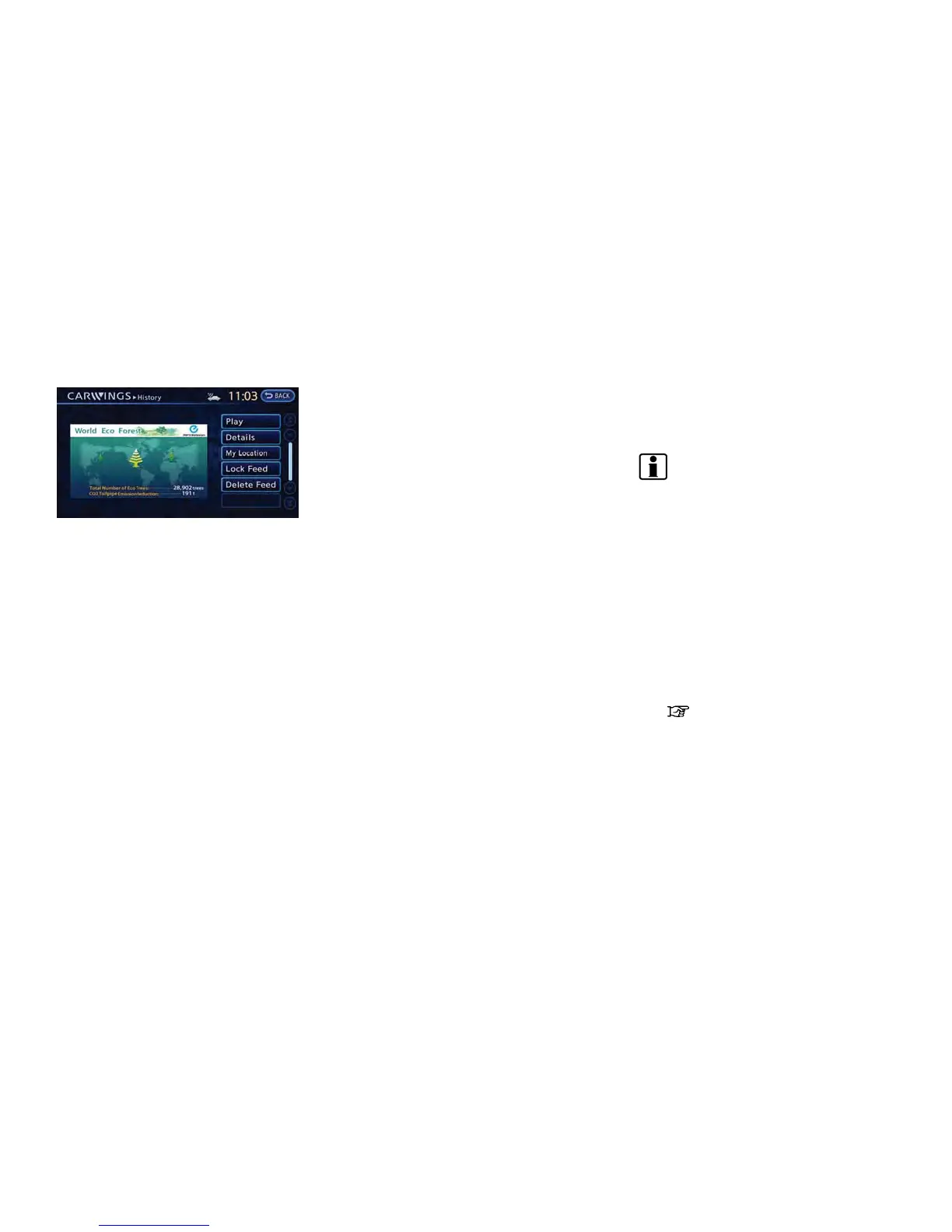
Screen when Auto-play is off
When [Pause] is touched during Auto-play, the
Auto-play function stops and the settings
appear on the screen. The items displayed on
the screen vary depending on the feeds that are
received.
Available settings
. [Play]:
The system will resume reading out the
information.
. [Show Map]:
If a feed received includes information about
shops etc., it may also include map data.
Touch to display the map on the screen.
. [New Dest.]:
If a feed received includes map data, the
location can be set as a destination.
. [Add to Route]:
If a route is already set, the location of the
feed received can be added to the route as
a destination or a waypoint.
. [Call]:
If a feed received includes a telephone
number, it will be displayed on the screen.
Touch to make a phone call. A cellular phone
must be connected to the vehicle before
making a phone call.
. [Show Pic.]:
If a feed received includes image data, it will
be displayed on the screen. Touch to display
the image on the screen.
. [Details]:
Displays detailed information for a selected
feed.
. [Store Loc.]:
If a feed received includes map data, the
location can be registered as a registered
location in the address book .
. [Current Loc.]:
Displays the map for the current position.
. [Lock Channel]:
Protects one of the feeds that are stored in
the history from being deleted.
. [Unlock chnl]:
This will be displayed only when a selected
feed is already protected. Touch to cancel
protection.
. [Delete Chnl]
Deletes the feeds that are stored in the
history.
INFO:
. Some images are not displayed depending
on the contents.
. Some words such as personal names, place
names, special terms, symbols, etc. may not
be pronounced correctly. This does not
indicate a malfunction.
. The system will pause announcements when
voice guidance given by the navigation
system occurs. When the voice guidance
finishes, the system will restart the an-
nouncement.
. The volume can be adjusted when the
system announces the information.
“Volume settings” (page 1-16)



 To Next Page