7-6 Bluetooth
®
Hands-Free Phone System
. Push the button on the steering wheel.
. Touch [Hang up].
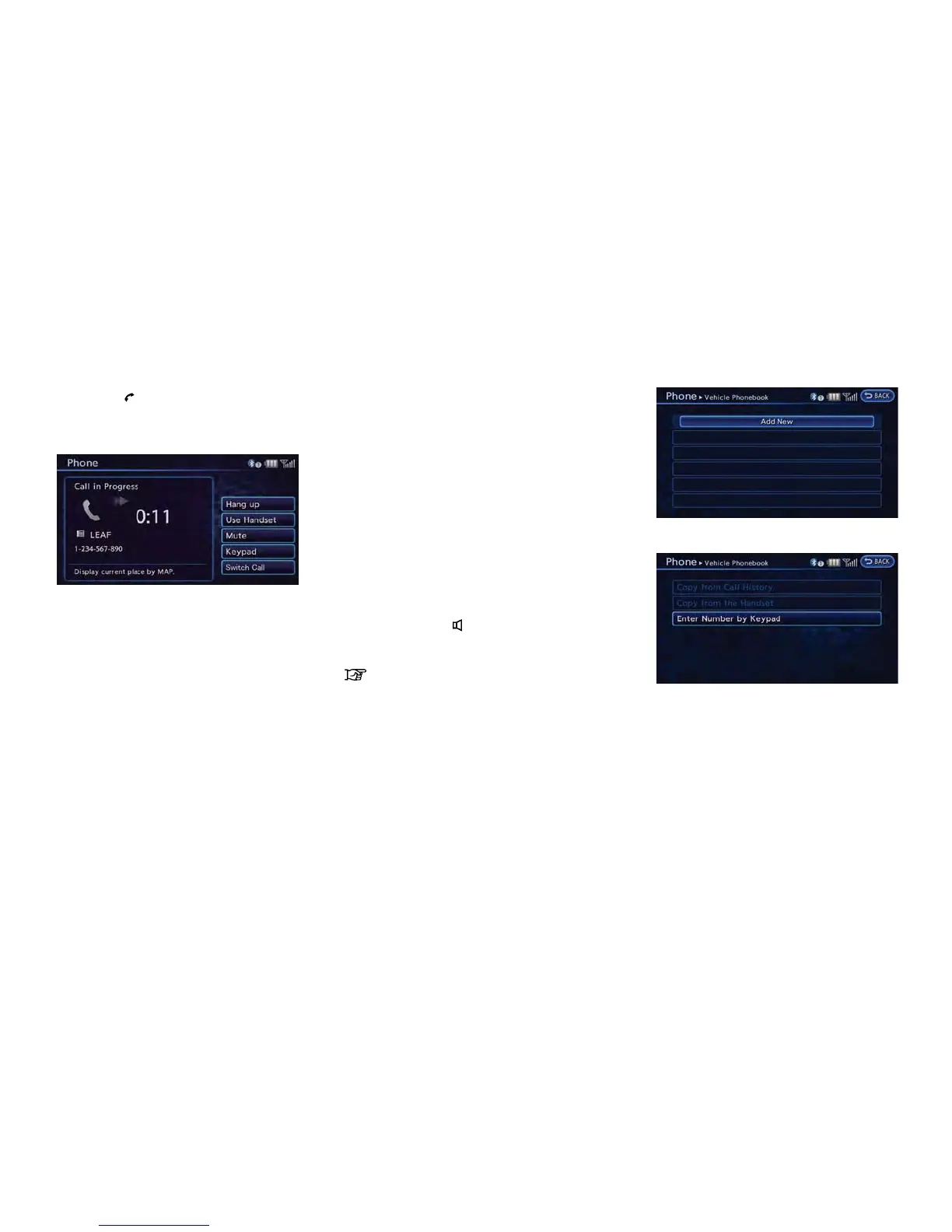
DURING A CALL
There are some options available during a call.
Select one of the following displayed on the
screen if necessary.
. [Hang up]:
Finish the call.
. [Use Handset]:
Transfer the call to the cellular phone.
. [Mute]:
Mute your voice to the person.
. [Cancel Mute]:
This will appear after [Mute] is touched.
Mute will be canceled.
. [Keypad]:
Using the touch tone, send digits to the
connected party for using services such as
voicemail.
. [Switch Call]:
Answer another incoming call. The person
you are talking to will be placed on hold.
Push once more to speak to the person on
hold again.
By selecting [Hang up], you can end a call
and can speak to a caller who is on hold
again.
This function may not be usable, depending
on the model of phone.
To adjust the person’s voice to be louder or
quieter, push the -
+ button on the steering
wheel while talking on the phone. This adjust-
ment is also available in the SETTING menu.
“Volume settings” (page 1-16)
STORING VEHICLE PHONEBOOK
By registering the frequently dialed phone
numbers, you can easily call these numbers.
1. Push the MENU button and touch [Phone].
2. Touch [Vehicle Phonebook].
3. Touch [Add New] at the top of the screen.
4. Select the method for entering the phone-
book entry.
Available methods
.
[Copy from Call History]:
The system will show a list of incoming or
outgoing calls. Select one of these
entries to save in the vehicle phonebook.
.
[Copy from the Handset]:
The system will show the connected
cellular phone’s phonebook that was
downloaded (depending on the phone’s



 To Next Page