1-6 Getting Started
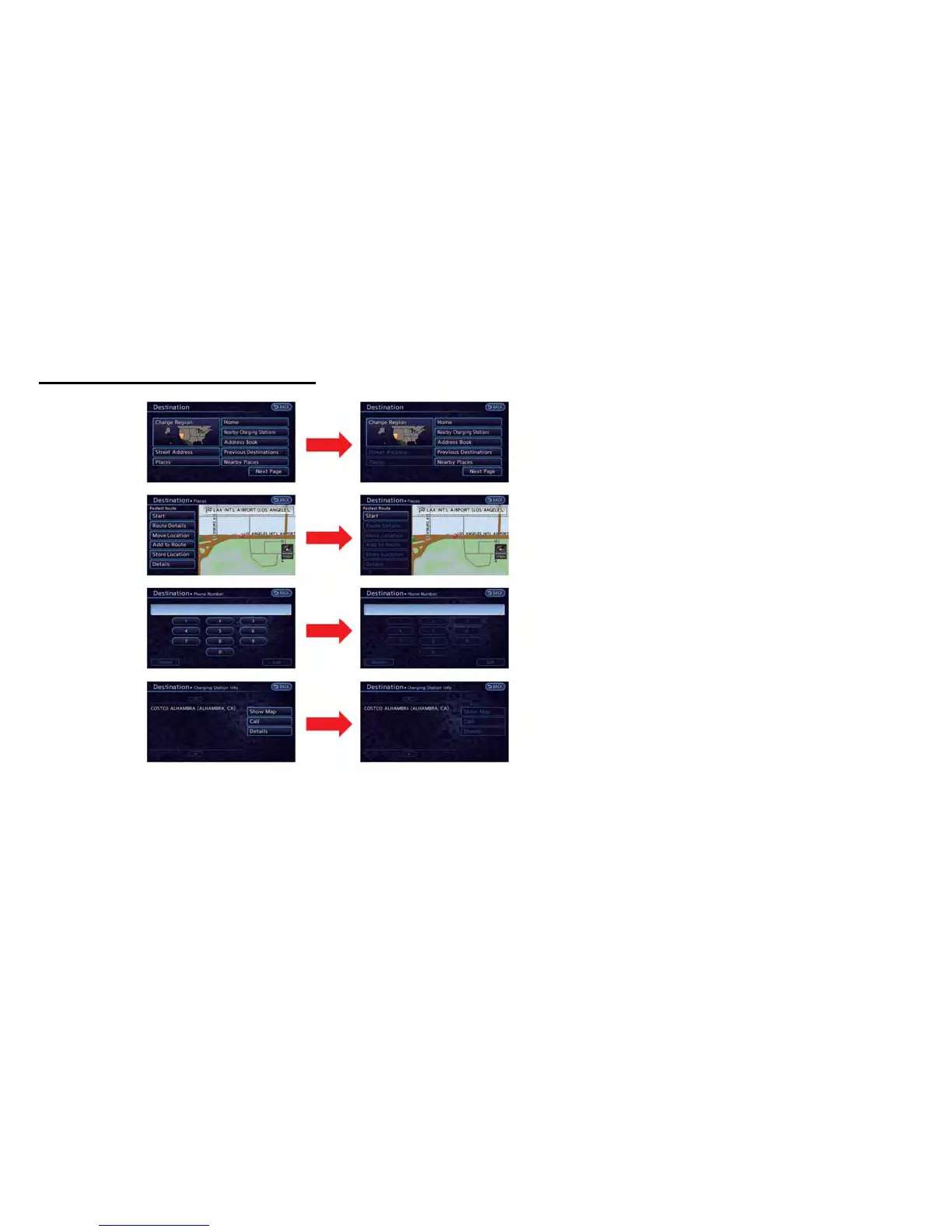
To ensure safe driving, some functions cannot
be operated or have limited operation while the
vehicle driving speed is above 5 mph (8 km/h).
The on-screen text and keys for these restricted
functions will be "grayed-out" or muted and
cannot be selected while driving. In some cases,
a screen message will appear indicating a
restricted function.
Restricted functions while driving include:
. Character (letter and number) input screen
during destination entry (street address,
places, phone number, freeway entrance/
exit, intersection, city center)
. Setting route condition after setting destina-
tion
. Scrolling and viewing of certain navigation
list
. Displaying detail information and touching
item on the information screen
. Adding/editing home location
. Adding/editing address book entries
. Editing current route
. Storing current position, information, desti-
nation
. Displaying charging station information
. Registering cellular phones
FUNCTIONS DISABLED WHILE
DRIVING



 To Next Page