3-6 Navigation
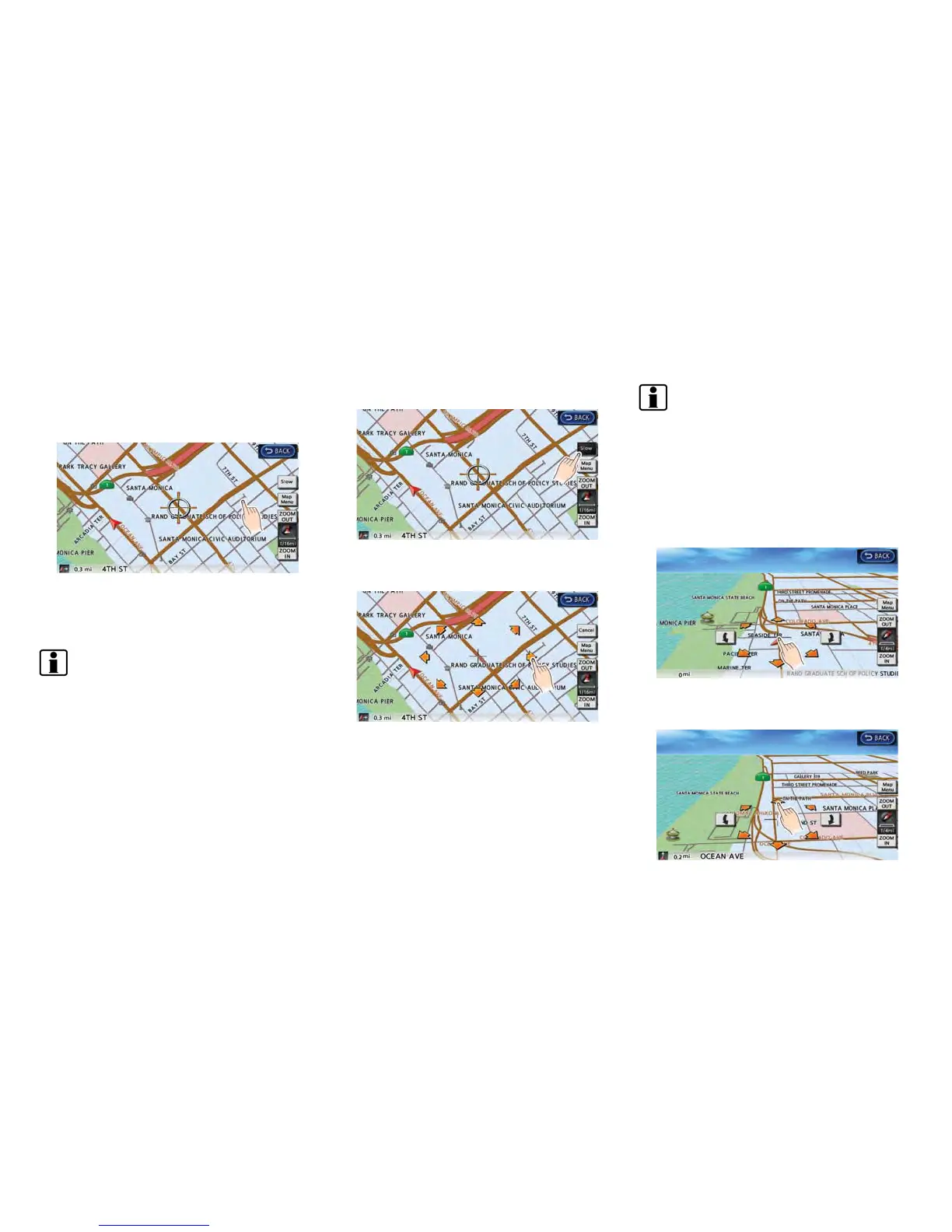
1. Touch the screen. The cross pointer is
displayed, and the position touched is set
as the center of the screen.
2. Touch the direction to move to. The map
continues to scroll while the screen is
touched.
INFO:
While driving, scrolling on the map is limited to a
specified distance.
Fine-tuning the cursor position:
1. Touch [Slow]. The 8-directional key is
displayed.
2. Touch the 8-directional key to adjust the
cross pointer position.
INFO:
. When [Cancel] is touched, display of the 8-
directional key will be turned off and the
system will switch to normal map scrolling
operation.
. Fine-tuning the cursor position is not pos-
sible while driving.
Birdview
TM
(3D) map
1. Touch the screen. The cross pointer and 8-
directional key are displayed.



 To Next Page