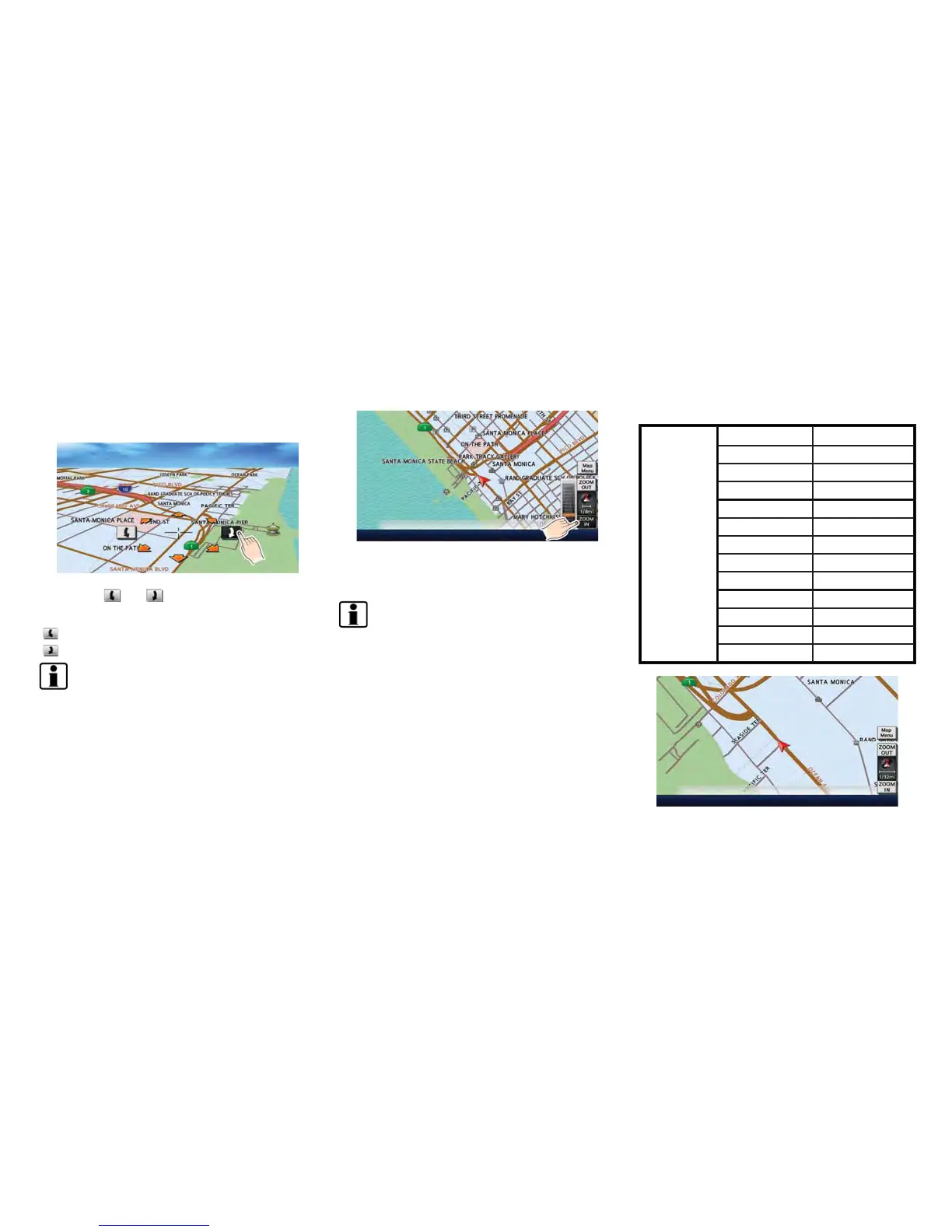
2. Touch the direction to move to. The map
continues to scroll while the screen is
touched.
3. Touch [ ]or[ ] to change the direction of
the map.
: Rotates the map clockwise.
: Rotates the map counterclockwise.
INFO:
While driving, scrolling on the map is limited to a
specified distance.
CHANGING SCALE OF MAP
1. Touch [ZOOM IN] or [ZOOM OUT] to
change the scale.
INFO:
Free zoom:
The scale can be changed in smaller steps when
[ZOOM IN] or [ZOOM OUT] is touched and held
than when either key is briefly touched.
If briefly touched, the operation returns to
normal.
Map scale
Any required map scale (map coverage) be-
tween 400 miles (640 km) and 1/32 mile (50 m)
can be selected.
Scale level for 2D map and Birdview
TM
map
(3D) display:
Normal Map
US Units Metric Units
320 miles 640 km
80 miles 160 km
32 miles 64 km
8 miles 16 km
5 miles 10 km
2 miles 4 km
1 mile 2 km
1/2 mile 1 km
1/4 mile 500 m
1/8 mile 200 m
1/16 mile 100 m
1/32 mile 50 m
Example: The most detailed level (2D map)
Navigation 3-7



 To Next Page