INFO:
. When the split screen mode is selected, the
map settings for the left screen can be
changed independently.
“Setting left screen display”
(page 3-12)
. If the split screen mode is selected, the
normal map scrolling and scale adjustment
are set in the right screen.
Split: 2D Map
Split: Birdview
TM
Map
Other settings
The map view can also be set by performing the
following procedure.
1. Push the MENU button and touch [Set-
tings].
2. Touch [Navigation].
3. Touch [Map View].
MAP VIEW SETTINGS
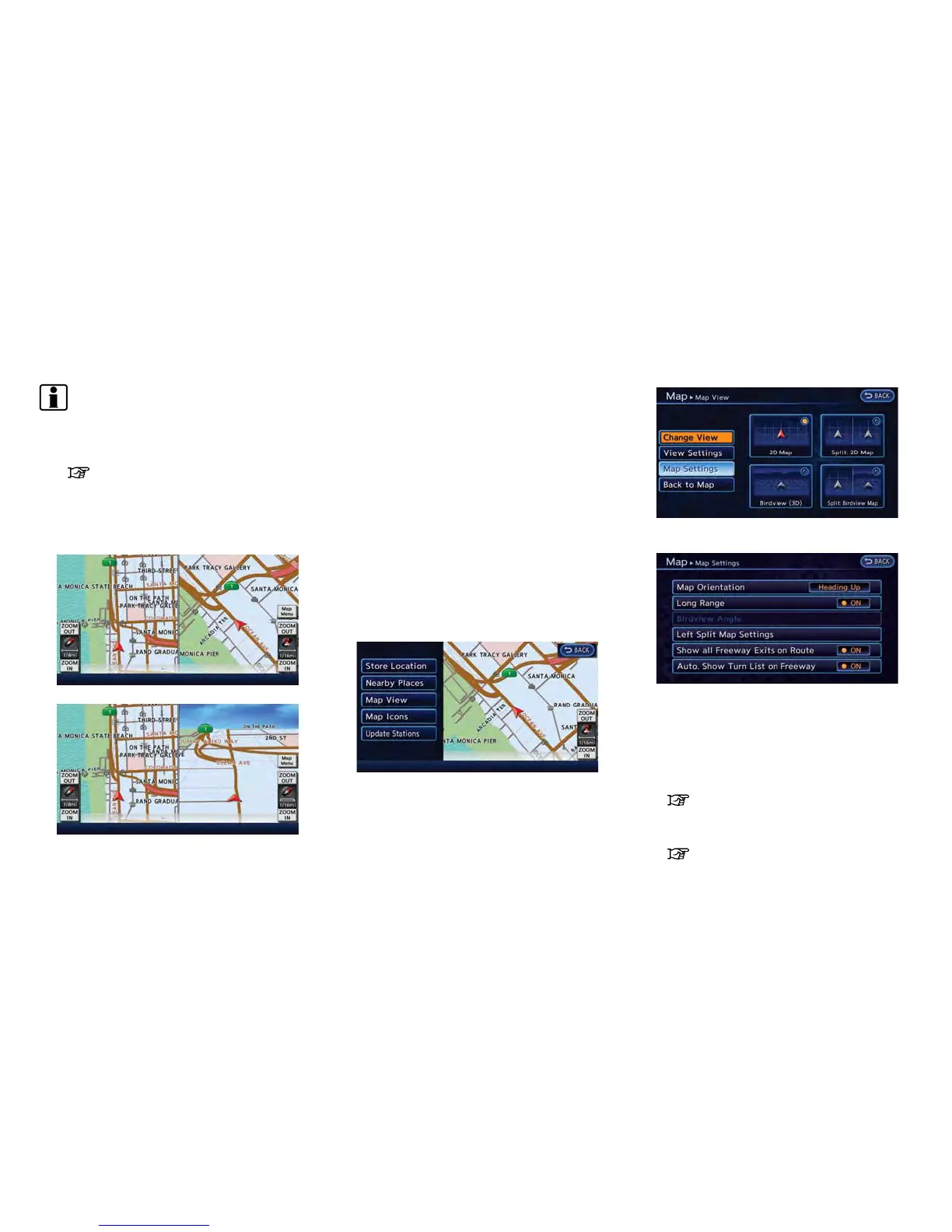
Other settings are also available for the map
screen, such as changing the map direction,
Birdview
TM
angle, etc.
1. Touch [Map Menu] while the current location
map screen is displayed.
2. Touch [Map View].
3. Touch [Map Settings].
4. Touch the item you would like to set.
Available settings
. [Map Orientation]:
Sets the map direction to North Up or
Heading Up.
“Setting map orientation” (page 3-10)
. [Long Range]:
Sets the long range map view display on/off.
“Settings long range map view”
(page 3-11)
Navigation 3-9



 To Next Page