3-20 Navigation
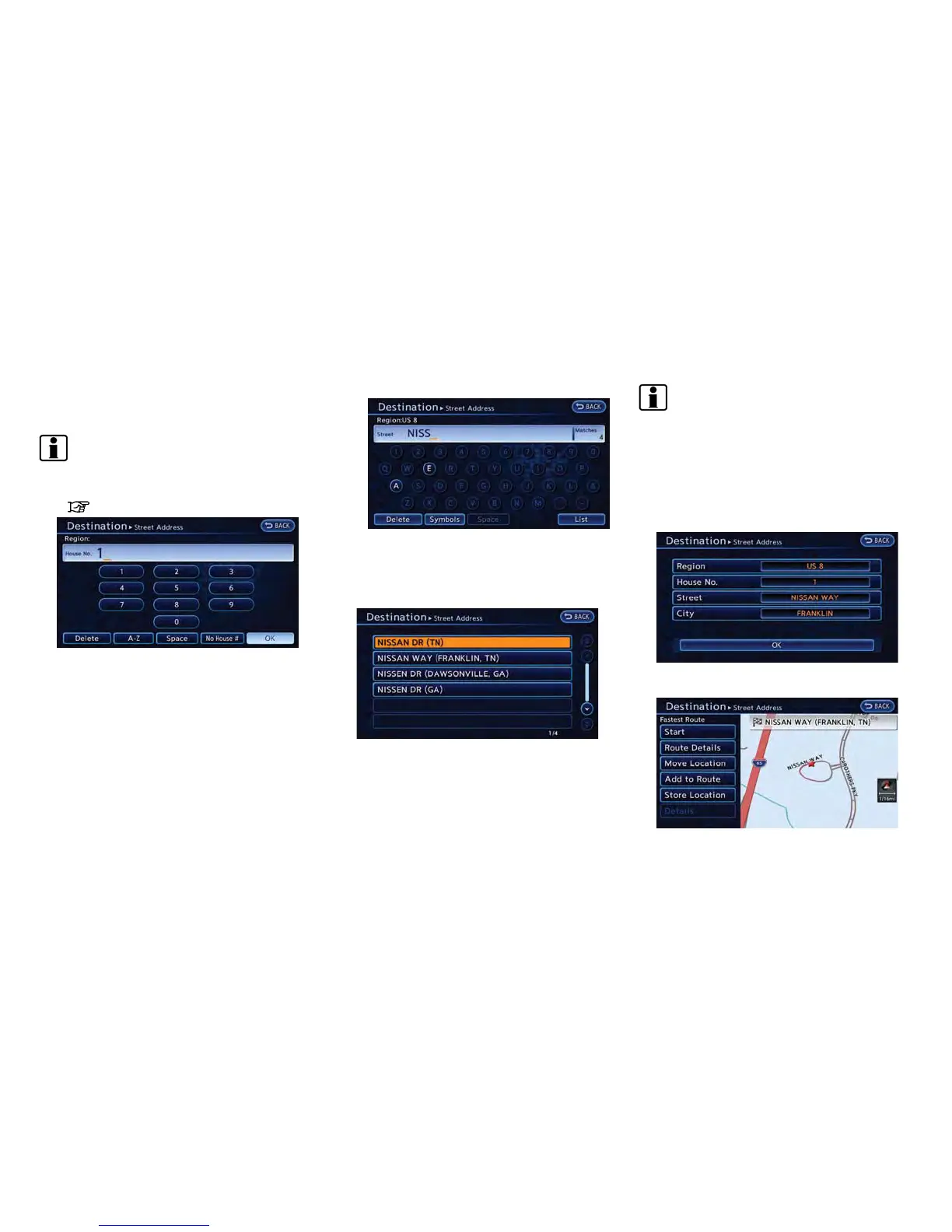
3. Touch [House No.]. A character input screen
is displayed.
INFO:
Touch [Region] or [City] to narrow down the
specified region and city.
“Changing region” (page 3-18)
4. Enter the house number, then touch [OK]. If
the house number is not available, touch [No
House #].
5. Touch [Street]. A street name input screen is
displayed.
6. Enter the name of the street. After finishing
the entry, touch [List]. A list of streets is
displayed.
7. Touch the correct street of the destination
from the list.
INFO:
In some cases, when a street name has
been entered, the number of matching
destinations in the "Matches" column may
be different from the number displayed on
the list screen. If this occurs, enter more
characters to further reduce the number of
matches.
8. Touch [OK].



 To Next Page