.
[Sorted By Number]:
The Address Book entries are displayed
in ascending numerical order.
.
[Sorted By Name]:
The Address Book entries are displayed
in alphabetic order.
.
[Sorted By Icon]:
By selecting a particular icon, a list that
contains only the Address Book entries
associated with that icon is displayed.
.
[Sorted By Group]:
By selecting a particular group (family,
friends, leisure, etc.), the selected group
is displayed at the top of the list.
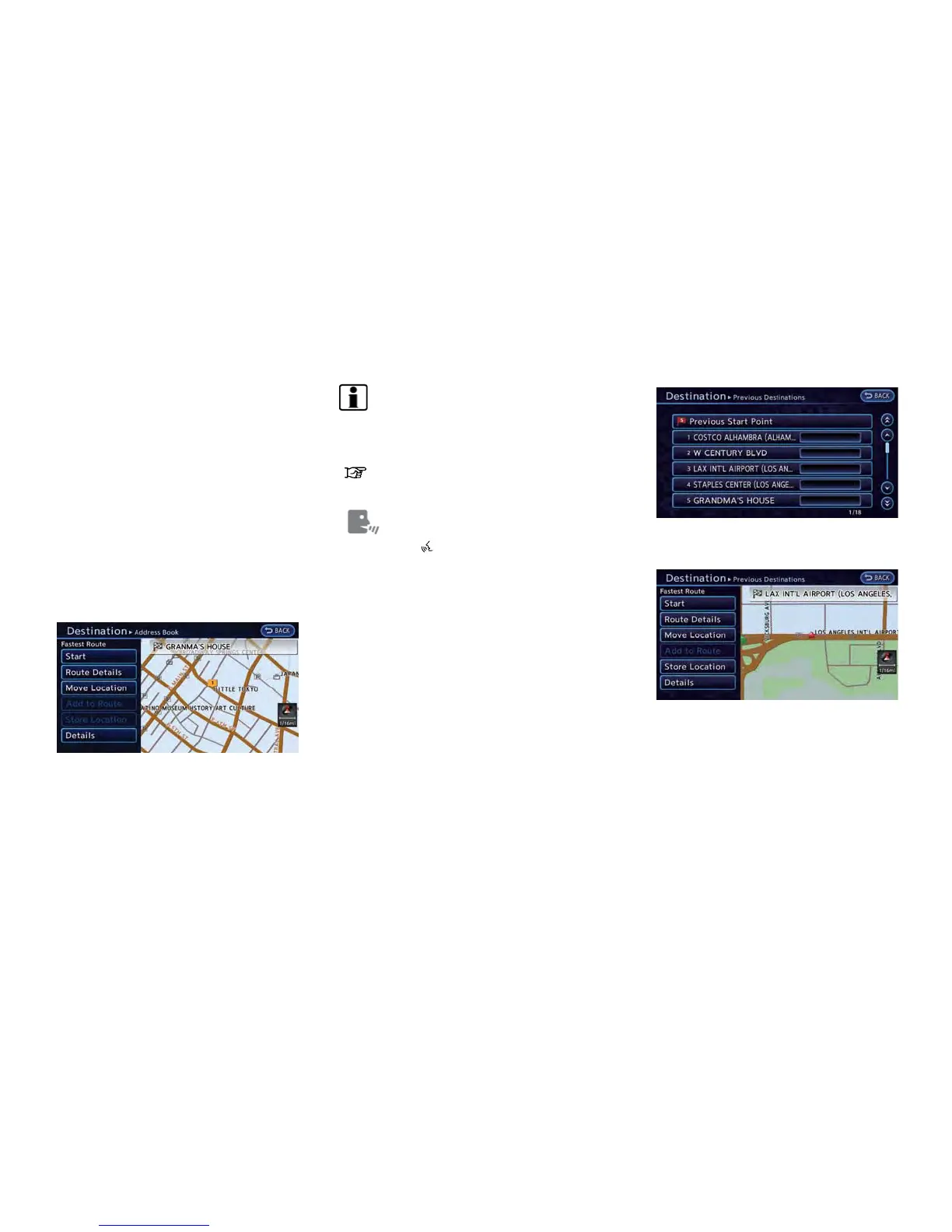
4. The selected destination is displayed at the
center of the map. Touch [Start] after
confirming the location of the displayed
destination. The system sets the destination
to the selected location and starts calculat-
ing a route.
INFO:
After setting a destination, the location of the
destination can be adjusted and the location can
be stored in the Address Book, etc.
“Operations after setting destination”
(page 3-34)
Setting by voice command
1. Push the
button located on the steering
wheel.
2. After the tone sounds, speak a command.
To set the destination from the Address Book:
"Navigation" "Address Book"
SEARCHING FROM HISTORY
It is possible to set destinations using the former
route guide starting location, as well as destina-
tion lists that were set in the past. Up to 100
previous destinations will be automatically
stored. If the number of previous destinations
exceeds 100, the oldest one will be replaced by
the newest one.
1. Push the MENU button and touch [Destina-
tion].
2. Touch [Previous Destinations]. A list screen
is displayed.
3. Touch the previous start point or the
previous destination from the list.
4. The selected destination is displayed at the
center of the map. Touch [Start] after
confirming the location of the displayed
destination. The system sets the destination
to the selected location and starts calculat-
ing a route.
Navigation 3-27



 To Next Page