3-26 Navigation
Contents of charging station information
. Facility name
. Type of charging devices
: Normal charge icon
: Quick charge icon (for vehicle equipped for
quick charging)
. Type and number of charge connectors
. Whether this facility is open 24 hours a day,
whether the business hours are fixed
Available settings
. [Show Map]:
Displays a map screen for the selected
charging station. The charging station on
this screen can be set as the destination.
“Operations after setting destination”
(page 3-34)
. [Call]:
Makes a call to the selected charging
station. A cellular phone needs to be
connected beforehand.
“Connecting cellular phone”
(page 1-13)
. [Details]:
Displays the following information about the
selected charging station.
— Address
— Phone number
— Whether there is a charge for using
charging equipment at this facility or not
NOTE:
Equipment that is displayed on the char-
ging station information screen is not
necessarily compatible with a LEAF. Be
sure to check whether equipment can be
used with a LEAF beforehand.
INFO:
As maintenance of data for charging station
information is carried out periodically, detailed
information for a charging station selected may
not always be displayed.
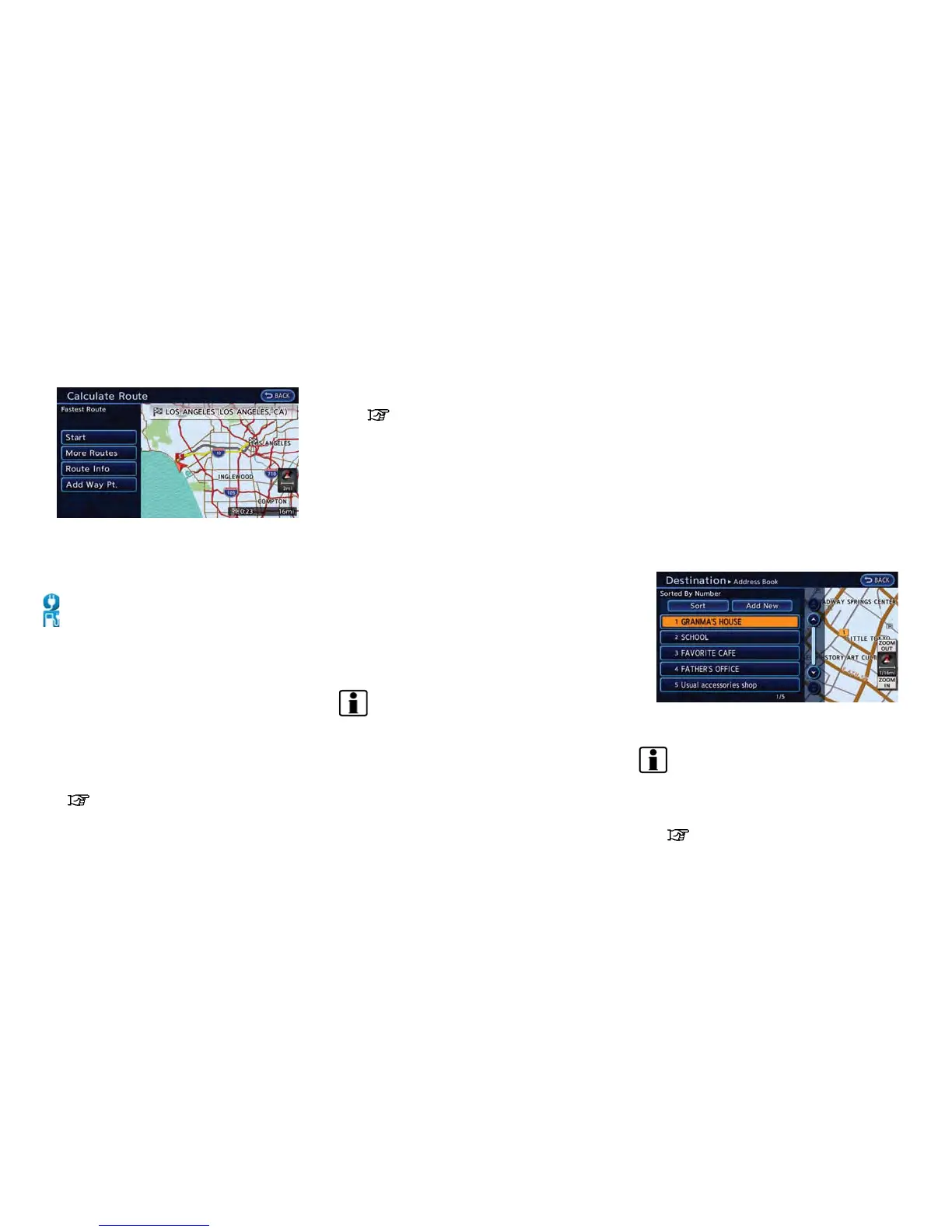
SEARCHING FROM ADDRESS
BOOK
Storing frequently used destinations in the
Address Book makes it easy for the system to
set and calculate a route. To utilize this function
more effectively, destinations that are often
traveled to should be stored in advance.
1. Push the MENU button and touch [Destina-
tion].
2. Touch [Address Book].
3. Touch the preferred location from the list.
INFO:
Selecting [Sort] displays a list of various sort
functions. To use the sort functions, stored
locations must be set in advance.
“Storing location” (page 3-35)



 To Next Page