. If the route is already set, the selected
location becomes a waypoint.
. You can also set the destination by touching
[Map Menu] in the current location map
screen and selecting [Nearby Places].
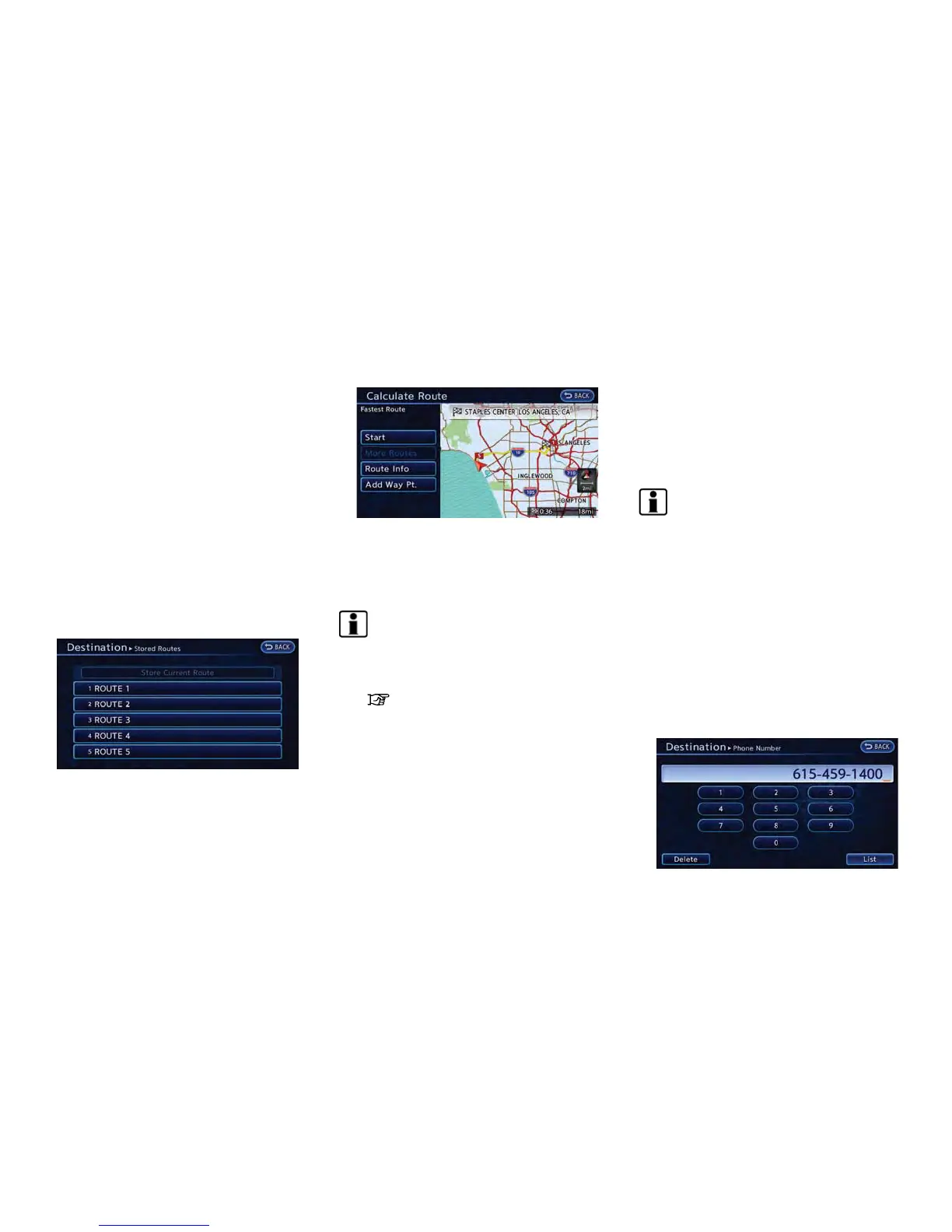
SETTING FROM STORED ROUTES
It is possible to select a preferred route from the
stored routes.
1. Push the MENU button and touch [Destina-
tion].
2. Touch [Next Page].
3. Touch [Stored Routes]. A list screen is
displayed.
4. Touch the preferred route from the list. The
route to the destination is set.
5. The entire route is shown on the map. Touch
[Start] after confirming the displayed route.
The system starts route guidance to the
selected destination.
INFO:
. Before starting route guidance, the route
condition can be changed and the route can
be stored in the Address Book, etc.
“Procedures after setting route”
(page 3-36)
. The stored route only includes locations
(destination and waypoints) and route cal-
culation conditions, not the route itself.
Therefore, when the destination is set using
a stored route, a different route may be
suggested if the current vehicle location is
different from the one when the route was
stored.
SETTING BY PHONE NUMBER
If the phone number of a facility is known, it is
possible to search for a facility by entering the
phone number, and have the system calculate a
route.
INFO:
. If the area code of the specified telephone
number does not exist in the map data, the
system cannot search for the location.
. Only the locations included in the database
in the map data can be searched by the
phone number. Residential phone numbers
cannot be used to search for a location.
1. Push the MENU button and touch [Destina-
tion].
2. Touch [Next Page].
3. Touch [Phone Number]. The telephone
number input screen is displayed.
Navigation 3-29



 To Next Page