3-30 Navigation
4. Enter the telephone number including the
area code. After finishing the entry, touch
[List].
“Phone number input screen”
(page 1-8)
INFO:
A list screen is displayed if there are two or
more search results. Touch the preferred
destination from the list.
A confirmation screen for the place name
and the location is displayed, and the system
starts calculating.
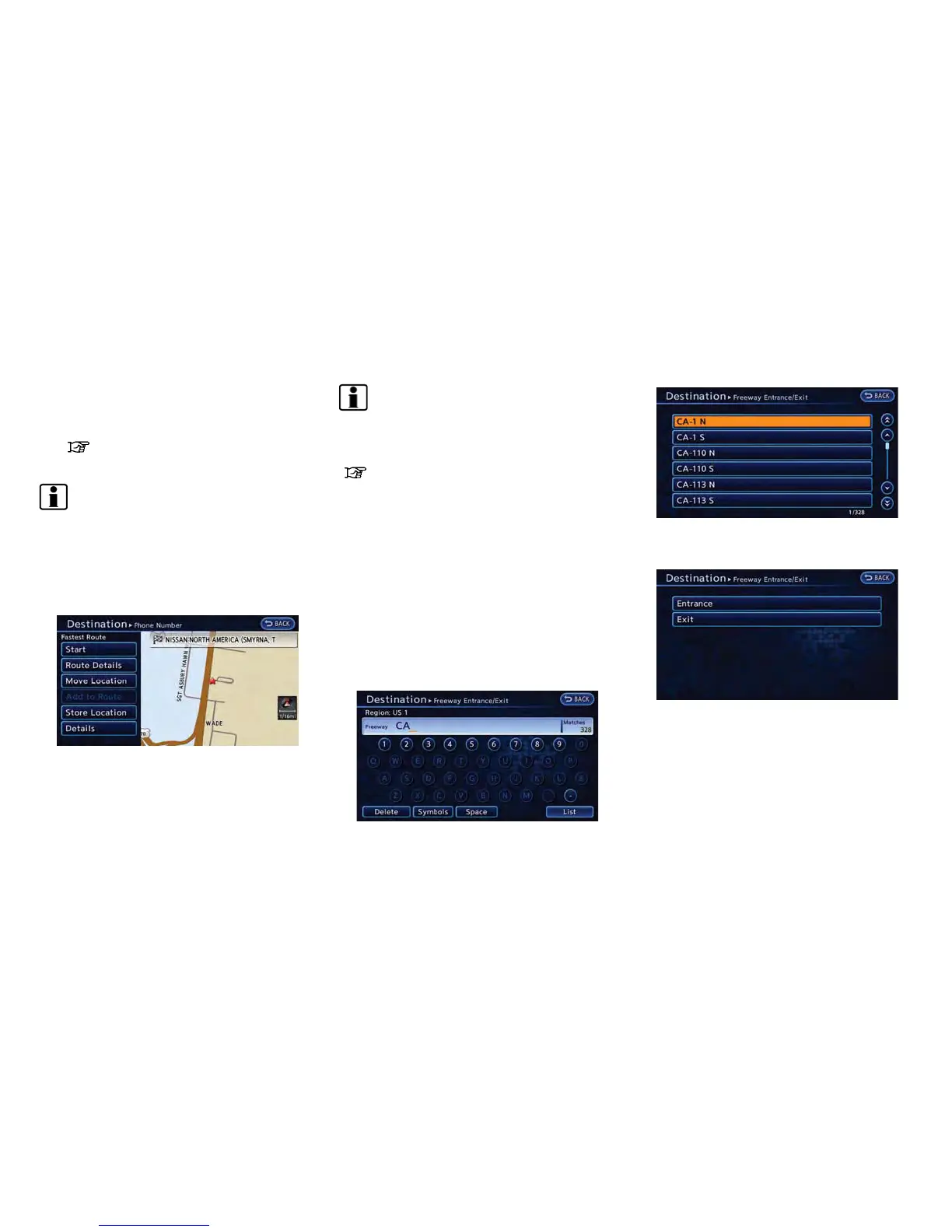
5. The selected destination is displayed at the
center of the map. Touch [Start] after
confirming the location of the displayed
destination. The system sets the destination
to the selected location and starts calculat-
ing a route.
INFO:
After setting a destination, the location of the
destination can be adjusted and the location can
be stored in the Address Book, etc.
“Operations after setting destination”
(page 3-34)
SETTING FREEWAY ENTRANCE /
EXIT
It is possible to set the destination to an
entrance or exit of a freeway and have the
system calculate a route.
1. Push the MENU button and touch [Destina-
tion].
2. Touch [Next Page].
3. Touch [Freeway Entrance/Exit]. A character
input screen is displayed.
4. Enter the name of the freeway. After finishing
the entry, touch [List].
5. Touch the freeway of the destination from
the list.
6. Touch [Entrance] or [Exit]. A list screen is
displayed.



 To Next Page