The driver can check the approximate direction
and angle of the tire on the display by the tire icon
䊊
3
when driving the vehicle forward or backward.
WARNING
• Objects in the bird’s-eye view will ap-
pear further than the actual distance.
• Tall objects, such as a curb or vehicle,
may be misaligned or not displayed at
the seam of the views.
• Objects that are above the camera
cannot be displayed.
• The view for the bird’s-eye view may be
misaligned when the camera position
alters.
• A line on the ground may be mis-
aligned and is not seen as being
straight at the seam of the views. The
misalignment will increase as the line
proceeds away from the vehicle.
• Tire angle display does not indicate
the actual tire angle.
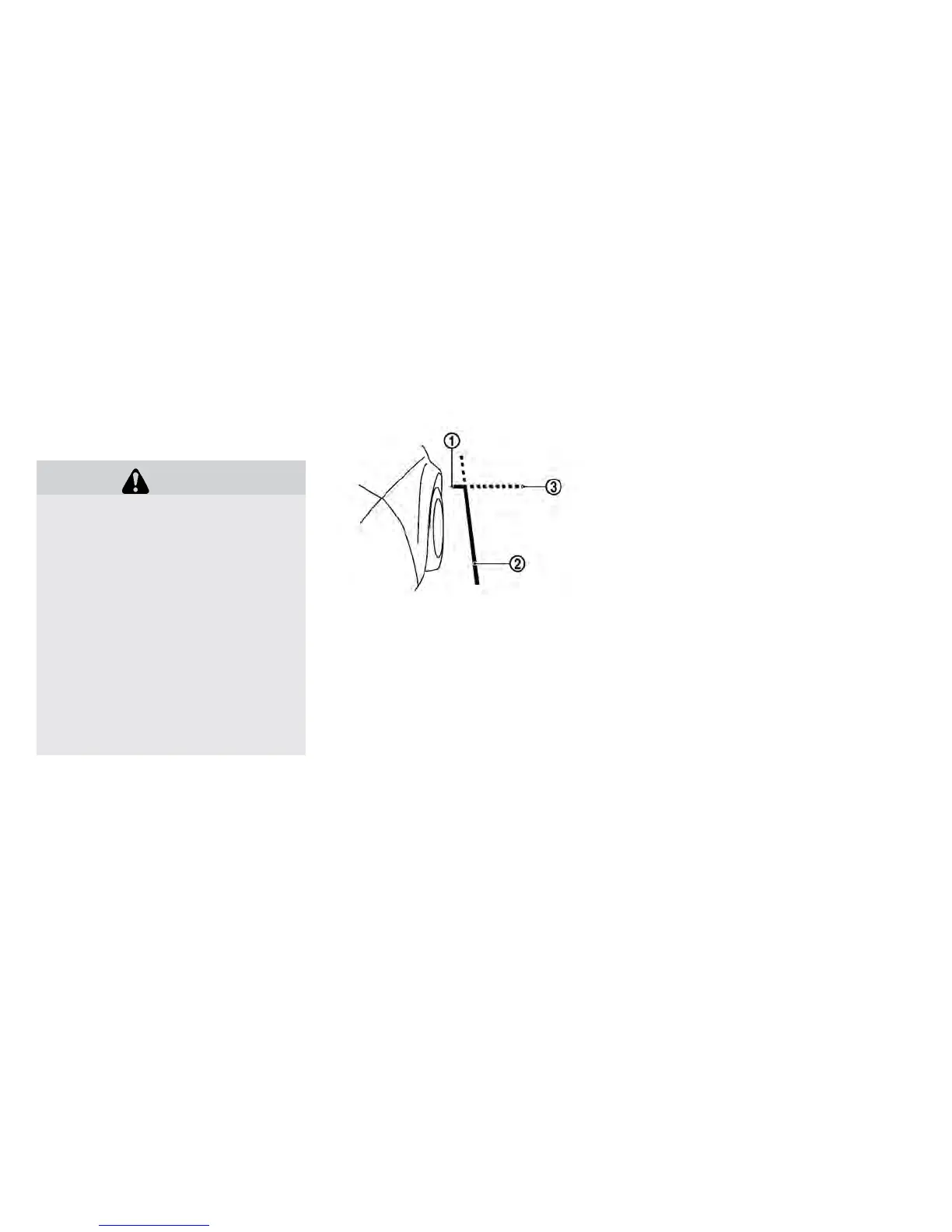
Front-side view:
Guiding lines
Guiding lines that indicate the approximate width
and the front end of the vehicle are displayed on
the monitor.
The front-of-vehicle line
䊊
1
shows the front part
of the vehicle.
The side-of-vehicle line
䊊
2
shows the approxi-
mate vehicle width including the outside mirrors.
The extensions
䊊
3
of both the front
䊊
1
and side
䊊
2
lines are shown with a green dotted line.
DIFFERENCE BETWEEN
PREDICTED AND ACTUAL
DISTANCES
The displayed guidelines and their locations on
the ground are for approximate reference only.
Objects on uphill or downhill surfaces or project-
ing objects will be actually located at distances
different from those displayed in the monitor rela-
tive to the guidelines (refer to illustrations). When
in doubt, turn around and view the objects as you
are backing up, or park and exit the vehicle to
view the positioning of objects behind the ve-
hicle.
Display screen, heater, air conditioner, audio and phone systems 4-15



 To Next Page