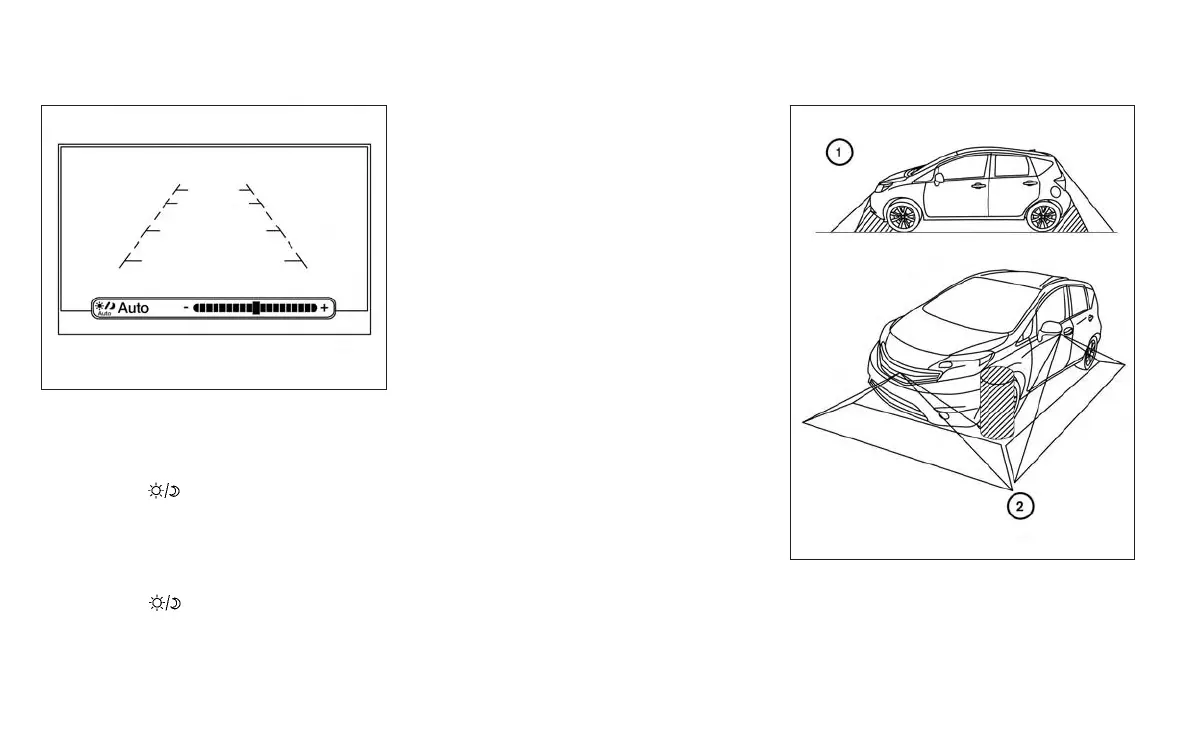
ADJUSTING THE SCREEN
1. Firmly apply the brake and place the shift
lever in R (reverse).
2. Press the
button on the control panel.
3. The screen will display the Night settings.
4. Turn the TUNE knob to adjust the setting up
or down.
5. Press the
button again to access the
Auto settings.
NOTE:
Do not adjust any of the display settings of
the Around View® Monitor while the ve-
hicle is moving. Make sure the parking
brake is firmly applied.
AROUND VIEW® MONITOR
SYSTEM LIMITATIONS
LHA3679
LHA3825
4-24 Monitor, climate, audio, phone and voice recognition systems



 To Next Page