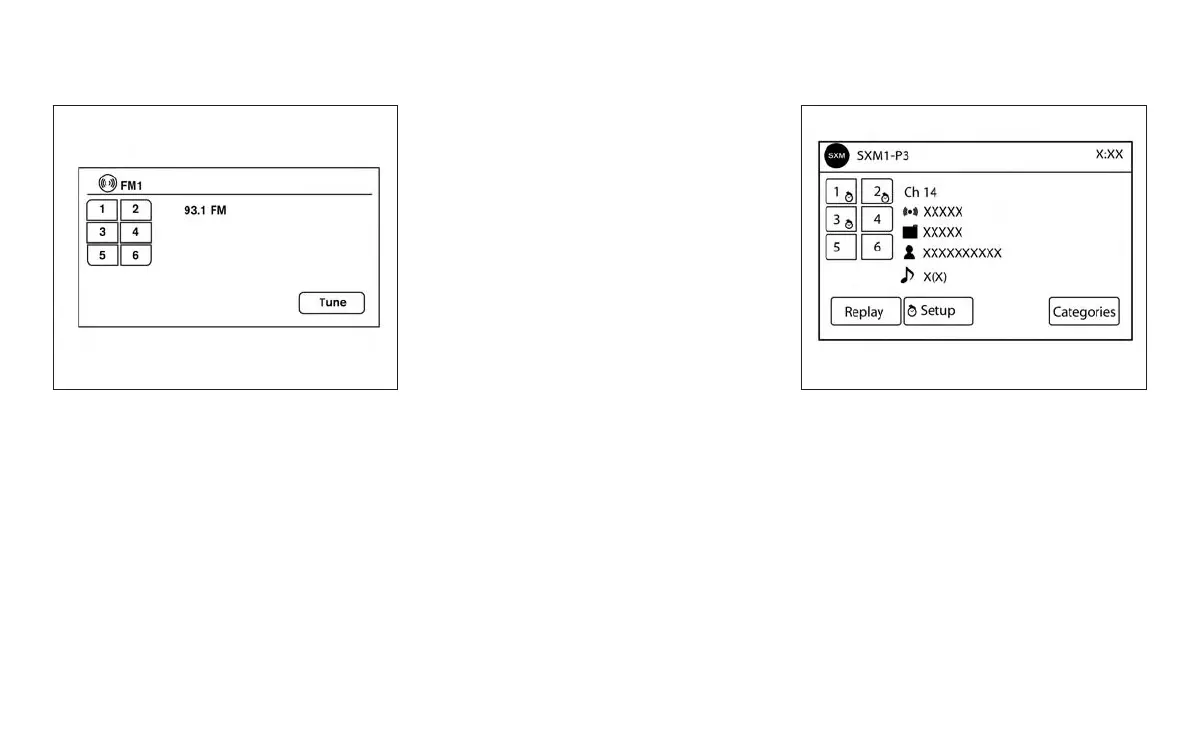
1 to 6 Station memory operations
Twelve stations can be set for the FM band (six for
FM1 and six for FM2) and six stations can be set
for the AM band. Eighteen stations can be set for
the SXM band (six for SXM1, six for SXM2 and six
for SXM3).
1. Choose the radio band AM, FM1 or FM2
using the FM·AM select button or choose
the radio band SXM1, SXM2, SXM3 using
the SXM button.
2. Tune to the desired station using manual or
seek tuning. Touch and hold any of the de-
sired station memory keys (1 – 6) until a
beep sound is heard.
3. The channel indicator will then come on and
the sound will resume. Programming is now
complete.
4. Other keys can be set in the same manner.
If the battery cable is disconnected or if the fuse
opens, the radio memory will be canceled. In that
case, reset the desired stations.
Presets can also be selected by touching the
desired preset number on the screen.
Smart Favorites Preset Setup (if so
equipped):
The Smart Favorites feature allows the user to
designate presets, within the SXM1, SXM2 and
SXM3 bands, as their Smart Favorites. When any
of the Smart Favorite presets are selected, the
current track on that station will play from the
beginning of the song.
To program a Smart Favorite preset:
1. Press the SXM button.
2. Touch the “Setup” key.
LHA2899 LHA3085
Monitor, climate, audio, phone and voice recognition systems 4-61



 To Next Page