Black plate (85,1)
Model "F15-D" EDITED: 2010/ 6/ 24
SIC4617
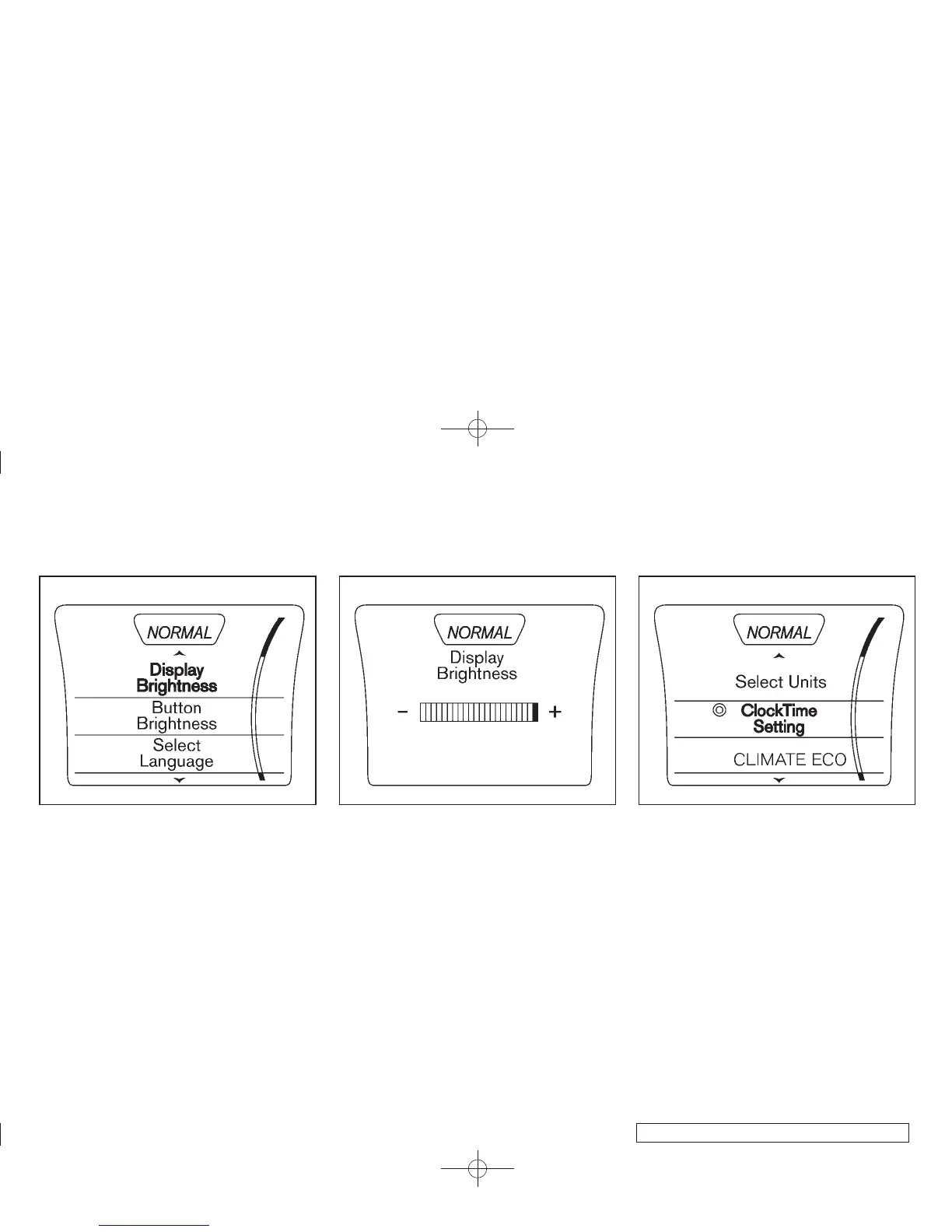
Setting Display Brightness and Button
Brightness
1. Press the Drive Mode Select button.
2. Press the SETUP button.
3. Turn the Selection dial to “Display Bright-
ness” or “Button Brightness” then press the
ENTER button.
SIC4557
4. Turn the Selection dial to + to increase
brightness or to − to decrease brightness,
then press the ENTER button to apply the
selection.
Display Brightness and Button Brightness can
be manually adjusted during the day (when the
headlight switch is off) or at night (when the
headlight switch is on).
When the bar is at the minimum or maximum
brightness level, the brightness level is the same
as the daytime level (headlight switch is on) or
nighttime level (headlight switch off).
SIC4558
Clock Time Setting
1. Press the Drive Mode Select button.
2. Press the SETUP button.
3. Turn t he Selection dial to “Clock Time
Setting”, then press the ENTER button.
Instruments and controls 2-21



 To Next Page