To view detailed instructional videos regarding these and other features,
please go to www.nissanownersinfo.mobi.
14
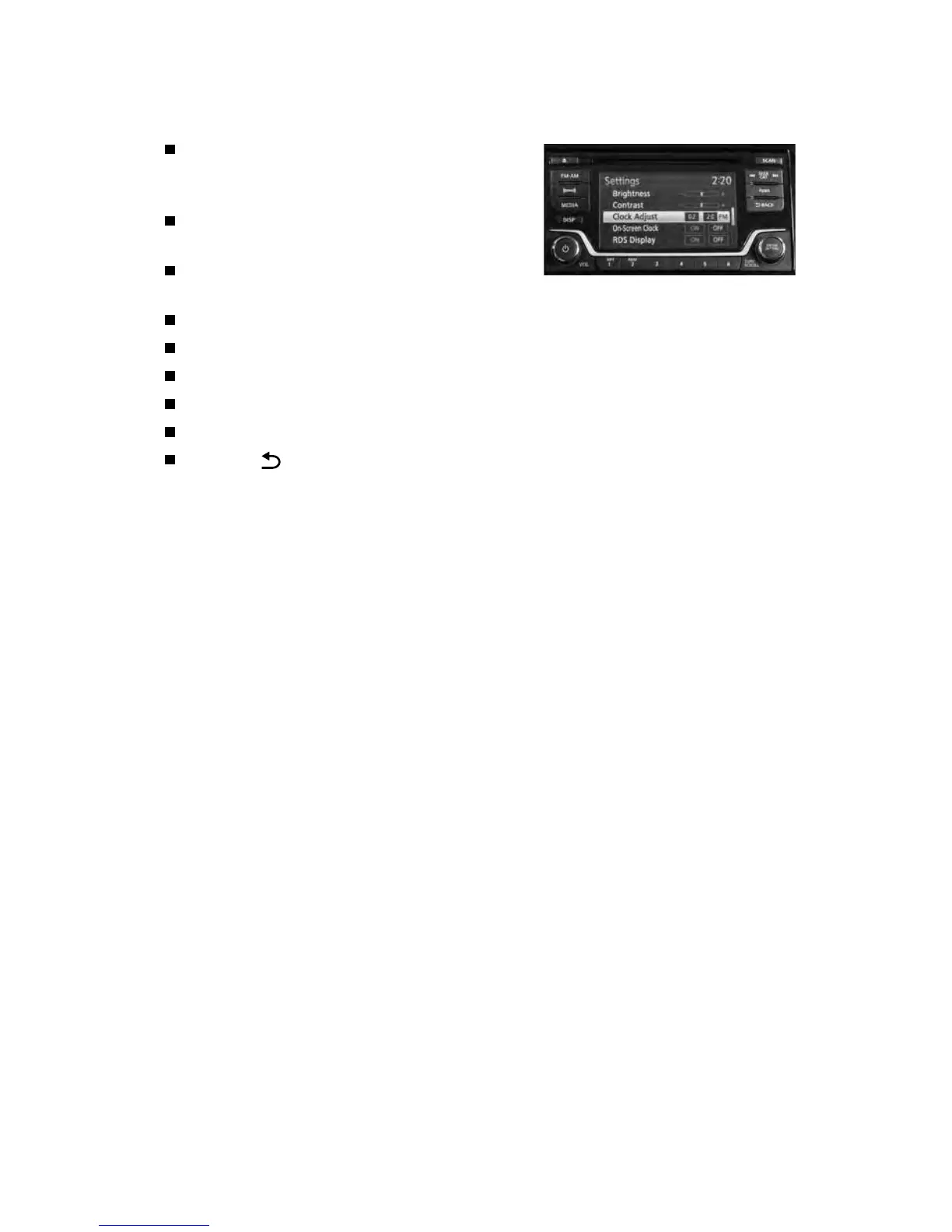
AUDIO DISPLAY
Press the ENTER/SETTING button and turn
the TUNE/SCROLL knob until “Clock”
appears on the display.
Press the ENTER/SETTING button to
select “Clock”.
Turn the TUNE/SCROLL knob to select
“Set Time”.
Press the ENTER/SETTING button.
Turn the TUNE/SCROLL knob to adjust the hours.
Press the ENTER/SETTING button.
Turn the TUNE/SCROLL knob to adjust the minutes.
Press the ENTER/SETTING button.
Press the BACK button to nish.
Please see your Owner’s Manual for important safety information, system limitations, and additional
operating and feature information.
For more information, refer to the “Instruments and controls (section 2)” and “Display screen, heater,
air conditioner, audio and phone systems (section 4)” of your Owner’s Manual and the “Getting started
(section 1)” of your Navigation System Owner’s Manual.
ESSENTIAL INFORMATION



 To Next Page