Clock
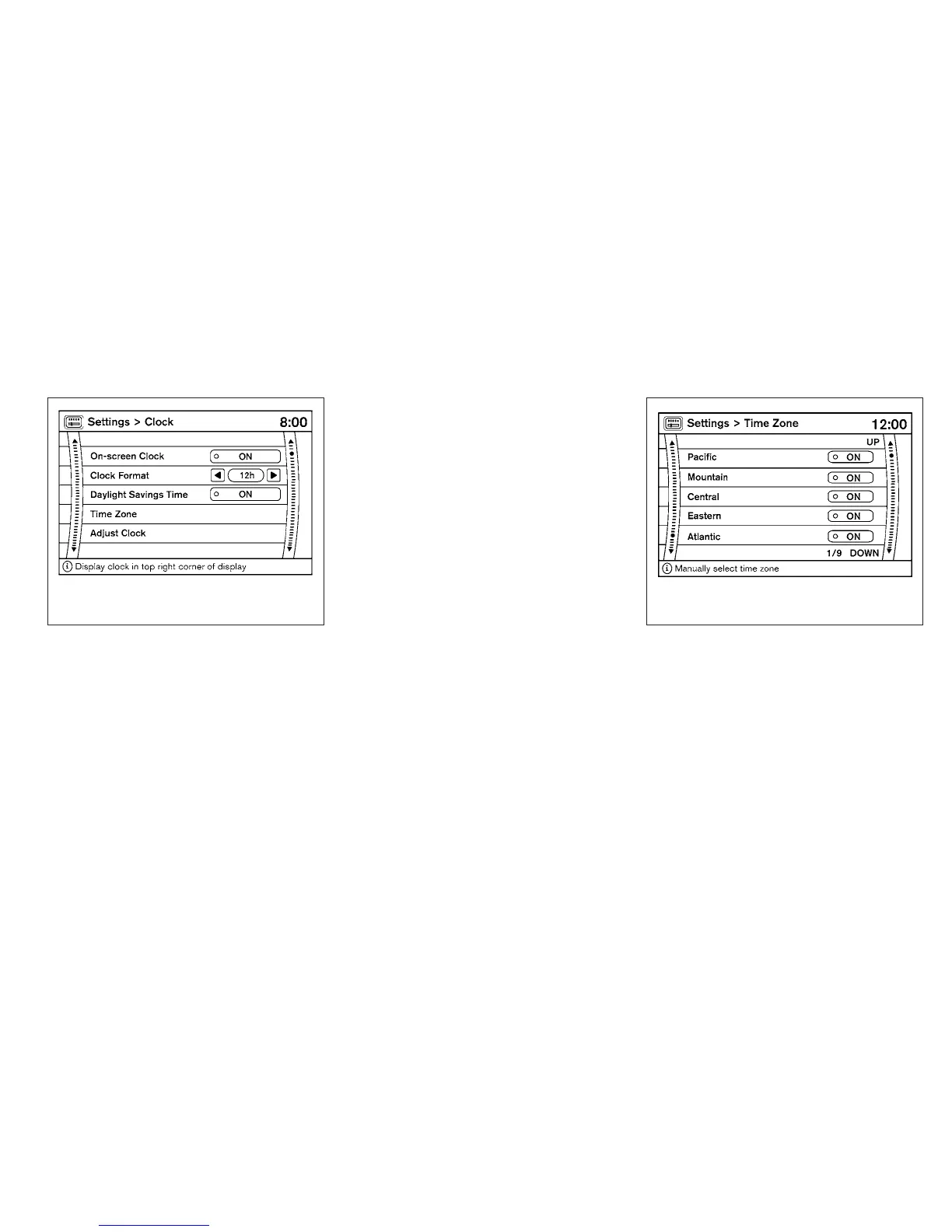
The following display will appear after pressing
the SETTING button, then selecting the “Clock”
key using the NISSAN controller.
On-screen Clock:
When this item is enabled (indicator light illumi-
nated), a clock is always displayed in the upper
right corner of the screen.
Clock Format:
Choose either the 12h (12-hour) clock display or
the 24h (24-hour) clock display.
Daylight Savings Time:
When this item is enabled (indicator light illumi-
nated), daylight savings time is on. To turn off the
daylight savings time, touch the “ON” key; the
amber indicator light will go out.
Time Zone:
Select the “Time Zone” key; the Time Zone
screen will appear.
Select one of the following zones, depending on
the current location, by selecting the correct time
zone key to enable that time zone (indicator light
will illuminate for that location).
● Pacific
● Mountain
● Central
● Eastern
● Atlantic
LHA1307 LHA0933
4-12 Monitor, climate, audio, phone and voice recognition systems



 To Next Page