● Newfoundland
● Aleutian
● Hawaii
● Alaska
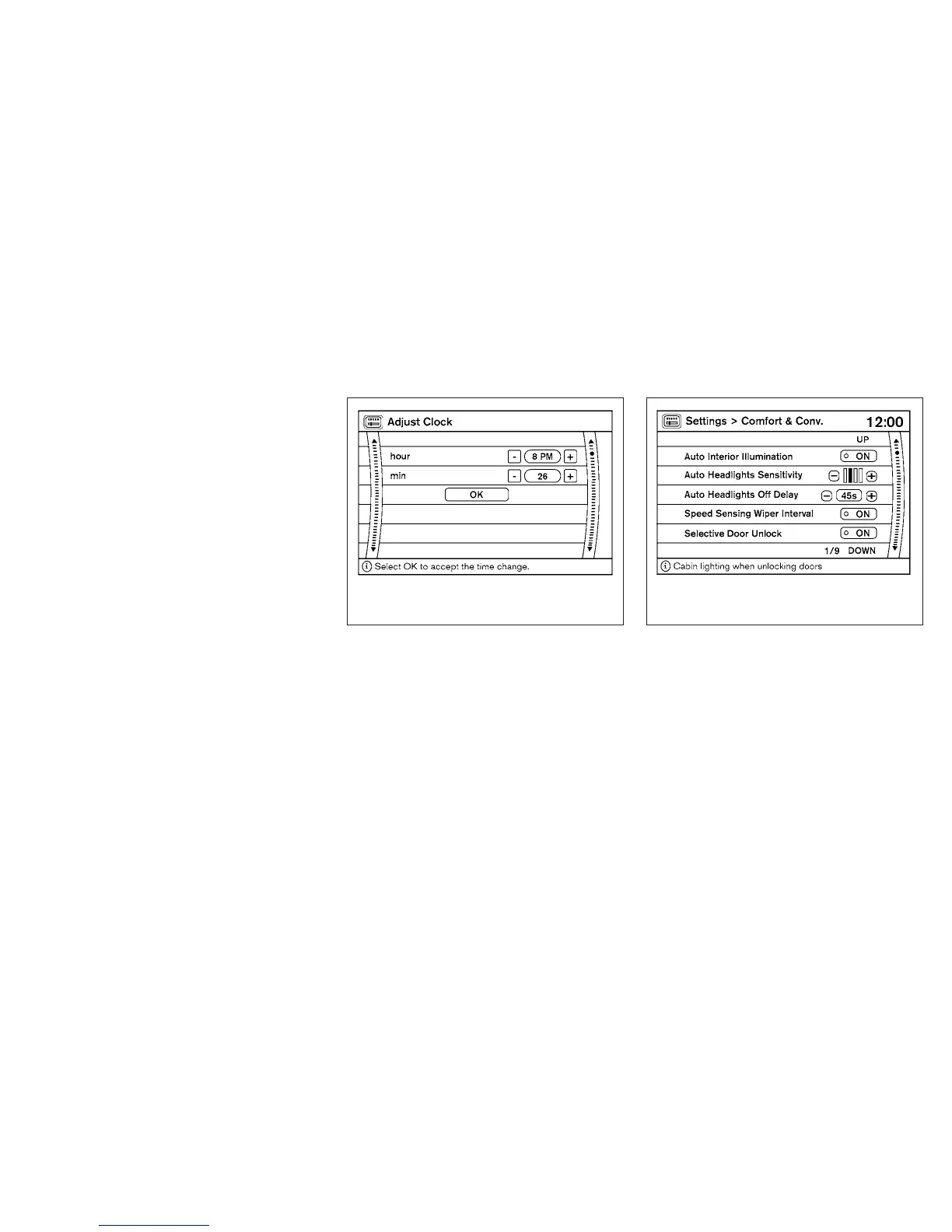
Adjust Clock:
To adjust the time, select the + or - key for the
hour until the desired number is reached. Repeat
the process for the minutes on the line below.
To accept the changes made and return to the
Clocks Settings screen, select the OK key.
Comfort & Convenience settings
Select the “Comfort & Conv.” key by using the
NISSAN controller. The comfort and conve-
nience option screen will be displayed.
You can set the following operating conditions by
highlighting the desired item using the NISSAN
controller. The amber indicator (box at the right of
the selected item) alternately turns on and off
each time the ENTER button is pressed.
Indicator light is illuminated — ON
Indicator light is not illuminated — OFF
LHA1308 WHA1151
Monitor, climate, audio, phone and voice recognition systems 4-13



 To Next Page