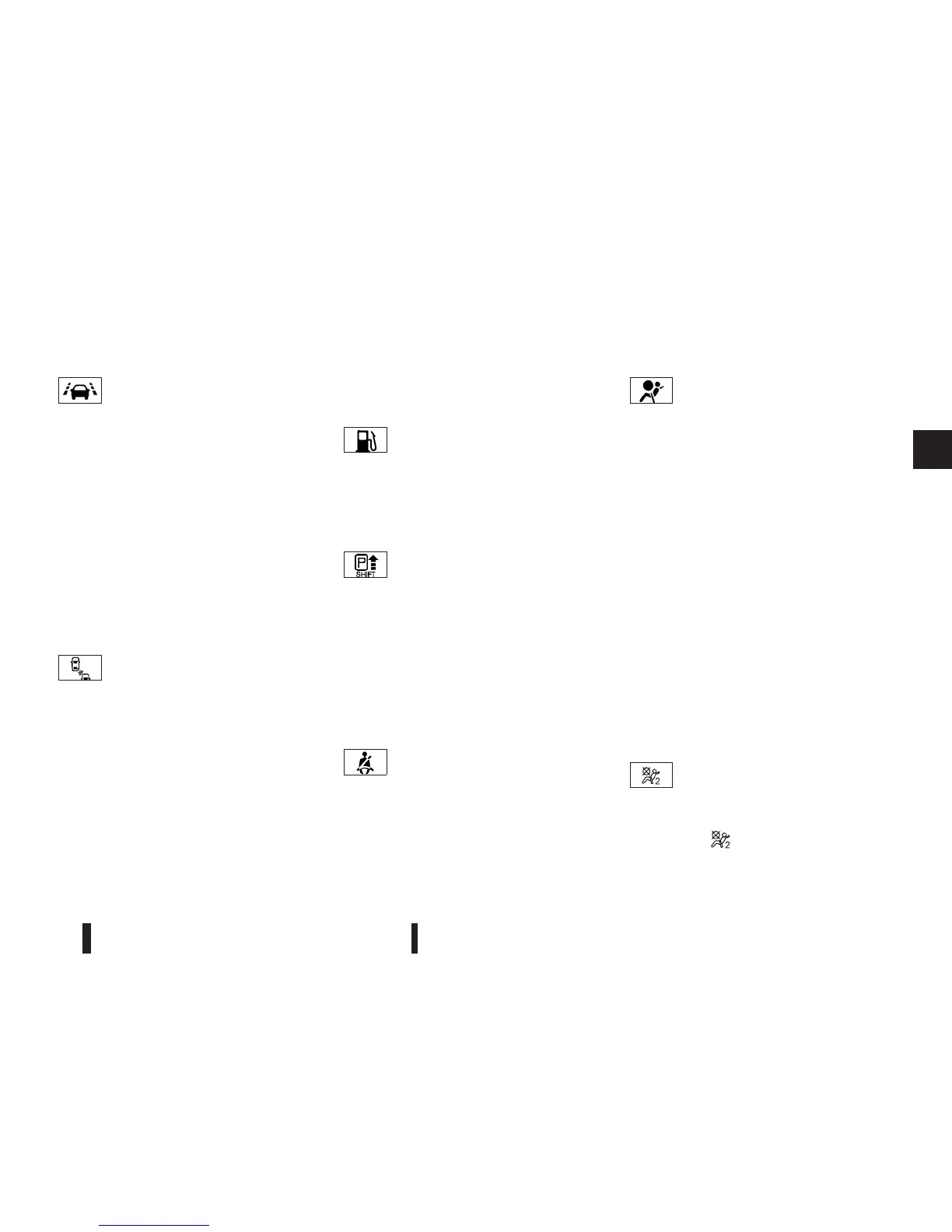
Lane Departure Warning (LDW)
light (where fitted)
When the ignition switch is pushed to the ON posi-
tion, the light will come on in orange, turn green, and
then turn off. This indicates that the Lane Departure
Warning (LDW) system is operational.
While the LDW system is on, the light will blink and
a warning chime will sound if the vehicle is travelling
close to either the left or the right of a travelling lane
with detectable lane markers.
If the light comes on and remains on, it may indicate
that the LDW system is not functioning properly.
Have the system checked by a NISSAN dealer or
qualified workshop.
See “Blind Spot Warning (BSW)/Lane Departure
Warning (LDW) systems” in the “5. Starting and
driving” section.
Blind Spot Warning (BSW)
system warning light
(where fitted)
When the ignition switch is pushed to the ON posi-
tion, the indicator light will first illuminate in orange
and turn green before turning off. This indicates that
the Blind Spot Warning (BSW) system is opera-
tional.
If the light comes on and remains on, it may indicate
that the BSW system is not functioning properly.
Although the vehicle is still driveable, have the sys-
tem checked by an NISSAN dealer or qualified
workshop. See “Blind Spot Warning (BSW)/Lane
Departure Warning (LDW) systems” in the “5. Start-
ing and driving” section.
Low fuel warning light
The low fuel warning light illuminates when the fuel
level in the tank is getting low. Refuel as soon as it
is convenient, preferably before the fuel gauge
reaches the empty (0) position. There will be a small
reserve of fuel remaining in the tank when the fuel
gauge reaches the empty (0) position.
P position selecting warning
light
The warning light blinks in red when the ignition
switch is pushed to stop the engine with the shift
lever in any position except the P (Park) position.
If this warning appears, move the shift lever to the P
(Park) position or push the ignition switch to the
“ON” position.
An inside warning chime will also sound.
(See “Intelligent Key system (where fitted)” in the
“3. Pre-driving checks and adjustments” section.)
Seat belt warning light
When the ignition switch is in the “ON” position, the
seat belt warning light illuminates. The light will con-
tinue to illuminate until the driver’s seat belt is fas-
tened.
(See “Seat belts” in the “1. Safety — seats, seat
belts and supplemental restraint system” section.)
Supplemental Restraint System
(SRS) air bag warning light
When the ignition switch is in the “ON” position, the
Supplemental Restraint System (SRS) air bag warn-
ing light illuminates for about 7 seconds and then
turns off. This indicates that the SRS air bag system
is operational.
If any of the following conditions occur, the SRS air
bag system and pre-tensioner seat belt need servic-
ing. Have the system checked, and if necessary
repaired, by a NISSAN dealer or qualified workshop
promptly.
•
The SRS air bag warning light remains illumi-
nated after about 7 seconds.
•
The SRS air bag warning light flashes intermit-
tently.
•
The SRS air bag warning light does not illumi-
nate at all.
Unless checked and repaired, the SRS air bag sys-
tem and/or pre-tensioner seat belt may not function
properly. (See “Supplemental Restraint System
(SRS)” in the “1. Safety — seats, seat belts and
supplemental restraint system” section.)
Front passenger airbag
deactivated (OFF) warning light
When the ignition switch is turned to the ON posi-
tion the front passenger airbag deactivated (OFF)
warning light
, located in the combination
meter, illuminates for approximately 7 seconds and
then goes off. This means the system is operational.
Instruments and controls 2-15


 To Next Page
 Loading...