The digital clock can be switched between 24-hour
display and 12-hour display when the clock settings
switch
jA is pushed briefly.
To adjust the time, perform the following procedure.
1. Push the clock settings switch for 1.5 seconds
or more to enter clock adjusting mode.
2. Push the clock settings switch to adjust the hour.
When the hours are set, wait at least 3 seconds
for the minutes to flash.
3. Push the clock settings switch to adjust the min-
utes.
To advance the time, hold down the switch.
The selected values will be stored automatically,
if the switch is not used for a longer period of
time.
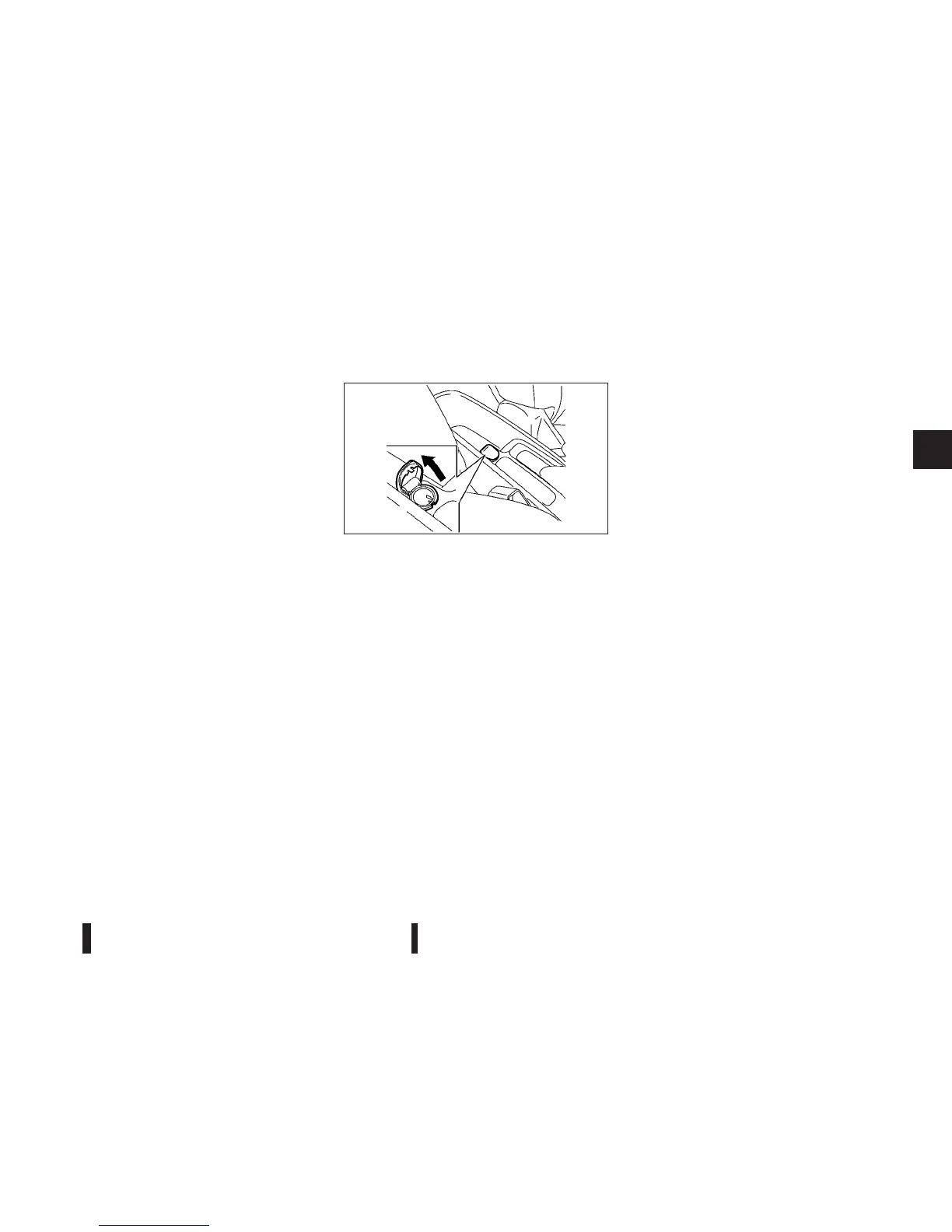
The power outlet is for powering electrical accesso-
ries such as mobile telephone.
CAUTION
•
The outlet and plug may be hot during or im-
mediately after use.
•
This power outlet is not designed for use with
a cigarette lighter unit.
•
Do not use with accessories that exceed
a 12 volt, 120W (10A) power draw. Do not use
double adapters or more than one electrical
accessory.
•
Use power outlet with the engine running to
avoid discharging the vehicle battery.
•
Avoid using power outlet when the air condi-
tioner, headlights or rear window defogger is
on.
•
Before inserting or disconnecting a plug, be
sure to turn off the power switch of electrical
accessory being used and the ignition switch.
•
Push the plug in as far as it will go. If good
contact is not made, the plug may overheat or
the internal temperature fuse may open.
•
Do not allow water to contact the outlet.
•
When not in use, be sure to close the cap.
JVI0478XZ
POWER OUTLET
Instruments and controls 2-29



 To Next Page