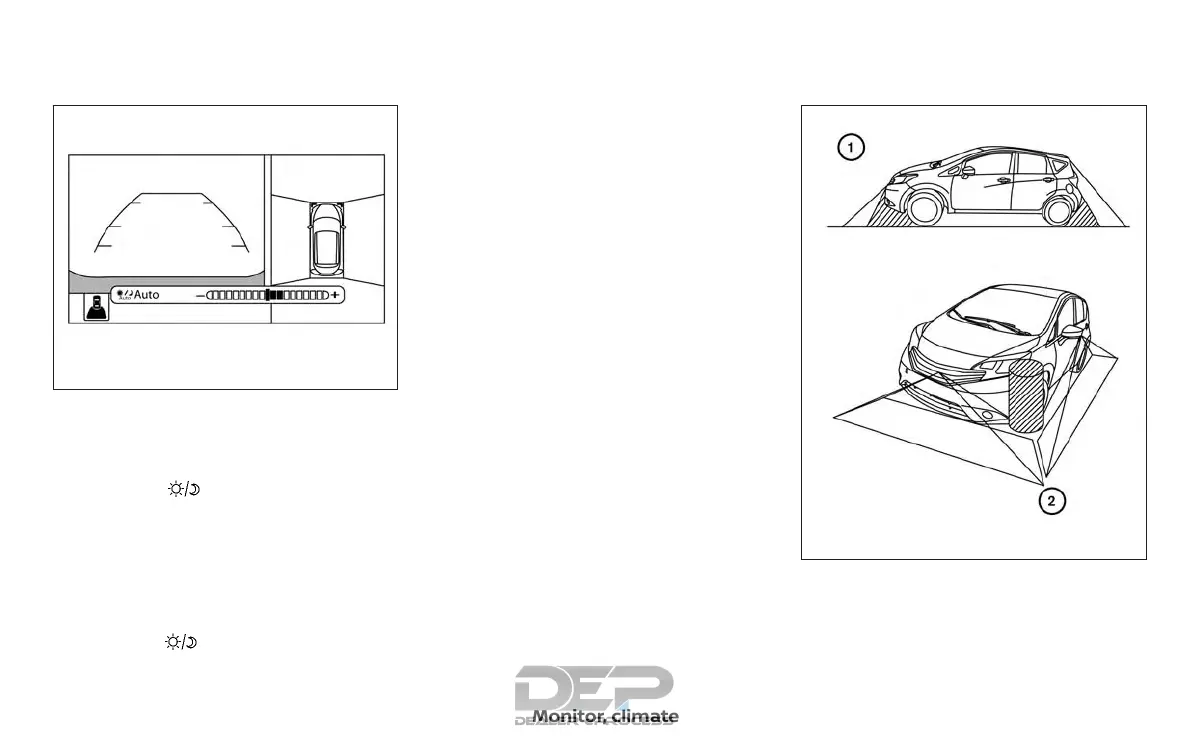
ADJUSTING THE SCREEN
1. Firmly apply the brake and place the
shift lever in R (reverse).
2. Press the
button on the control
panel.
3. The screen will display the Night set-
tings.
4. Turn the TUNE knob to adjust the set-
ting up or down.
5. Press the
button again to access
the Auto settings.
NOTE:
Do not adjust any of the display settings
of the Around View® Monitor while the
vehicle is moving. Make sure the parking
brake is firmly applied.
AROUND VIEW® MONITOR SYSTEM
LIMITATIONS
LHA4238
LHA4383
Monitor, climate, audio, phone and voice recognition systems 4-25



 To Next Page