∙ iPod® Touch 3rd generation (firmware
version 5.1 or later)
∙ iPod® Touch 4th generation (firmware
version 5.1 or later)
∙ iPod® nano - 1st generation (firmware
version 1.3.1 or later)
∙ iPod® nano - 2nd generation (firmware
version 1.1.3 or later)
∙ iPod® nano - 3rd generation (firmware
version 1.1.3 or later)
∙ iPod® nano - 4th generation (firmware
version 1.0.4 or later)
∙ iPod® nano - 5th generation (firmware
version 1.0.2 or later)
∙ iPod® nano - 6th generation (firmware
version 1.1 or later)
∙ iPhone® 3G (firmware version 4.2.1 or
later)
∙ iPhone® 3GS (firmware version 5.1 or
later)
∙ iPhone® 4 (firmware version 5.1 or later)
∙ iPhone® 4S (firmware version 5.1 or later)
* Some features of this iPod® may not be
fully functional.
Make sure that your iPod® firmware is up-
dated to the version indicated above.
Audio main operation
Place the ignition switch in the ACC or ON
position. Press the AUX button repeatedly
to switch to the iPod® mode.
If the system has been turned off while the
iPod® was playing, pressing the VOL/ON·OFF
control knob will start the iPod®.
AUX button
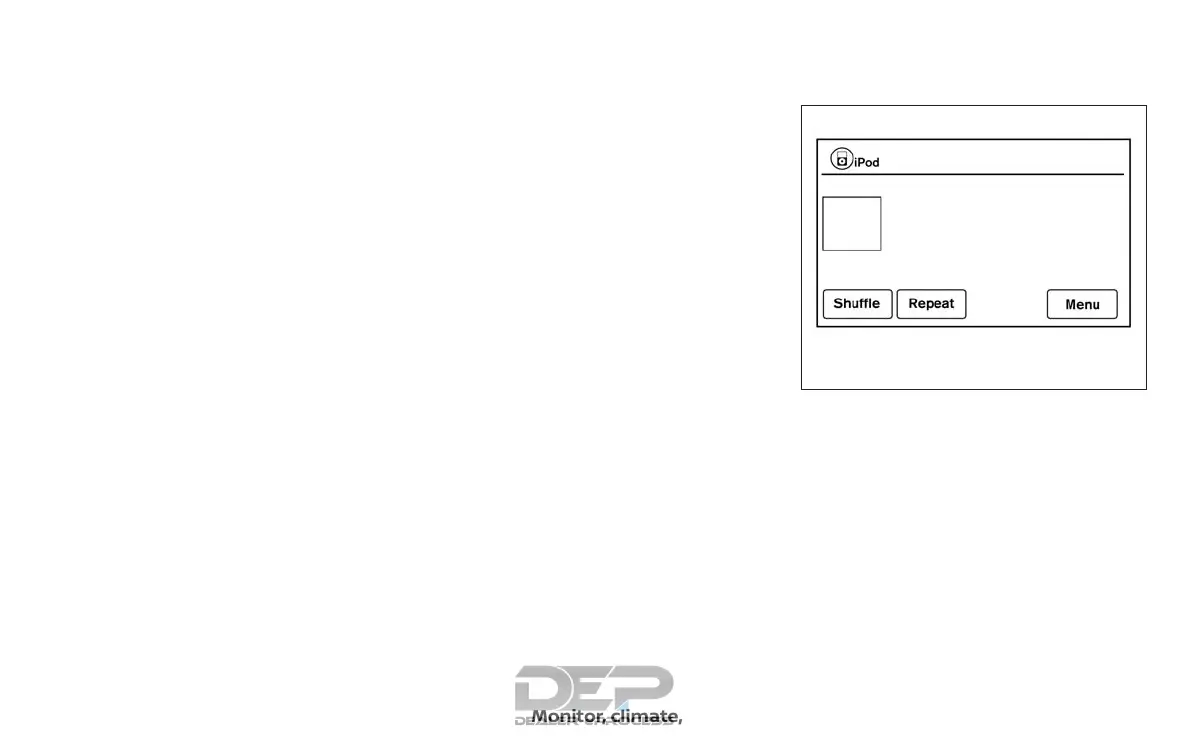
When the AUX button is pressed with the
system off and the iPod® connected, the
system will turn on. If another audio source
is playing and the iPod® is connected, press
the AUX button repeatedly until the center
display changes to the iPod® mode.
LHA4007
Monitor, climate, audio, phone and voice recognition systems 4-69



 To Next Page