- 10 -
Click download and install the mobile APP to your phone
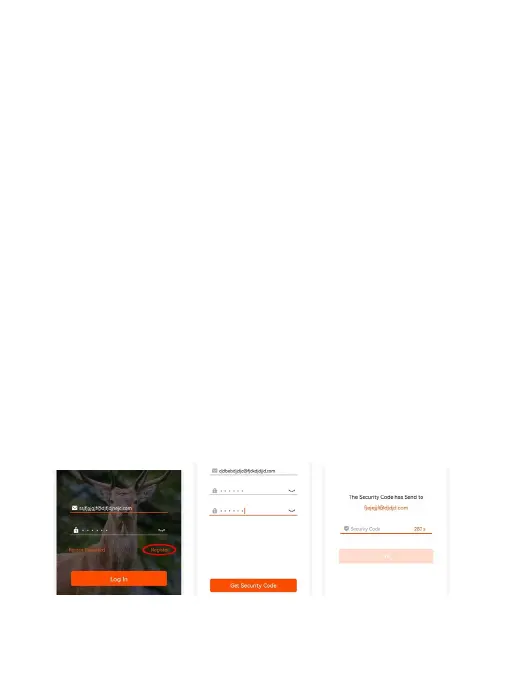
In order to register your exclusive account on mobile APP, you
must have an email address for verification code.
1) Click the register icon on the Login interface of mobile
APP to enter the new account registration interface
2) Enter your email address and create password for
the mobile APP account
3) Click the "Get Security Code" icon
4) You will soon receive a verification code to your
e-mail inbox (please check spam folder in not seen it
at inbox)
5) Please fill in the verification code in the location
indicated by the mobile APP and click the "OK"
After registering your account, you can log in to mobile APP and



 To Next Page