Page | 2
GETTING STARTED
SD MEMORY CARD
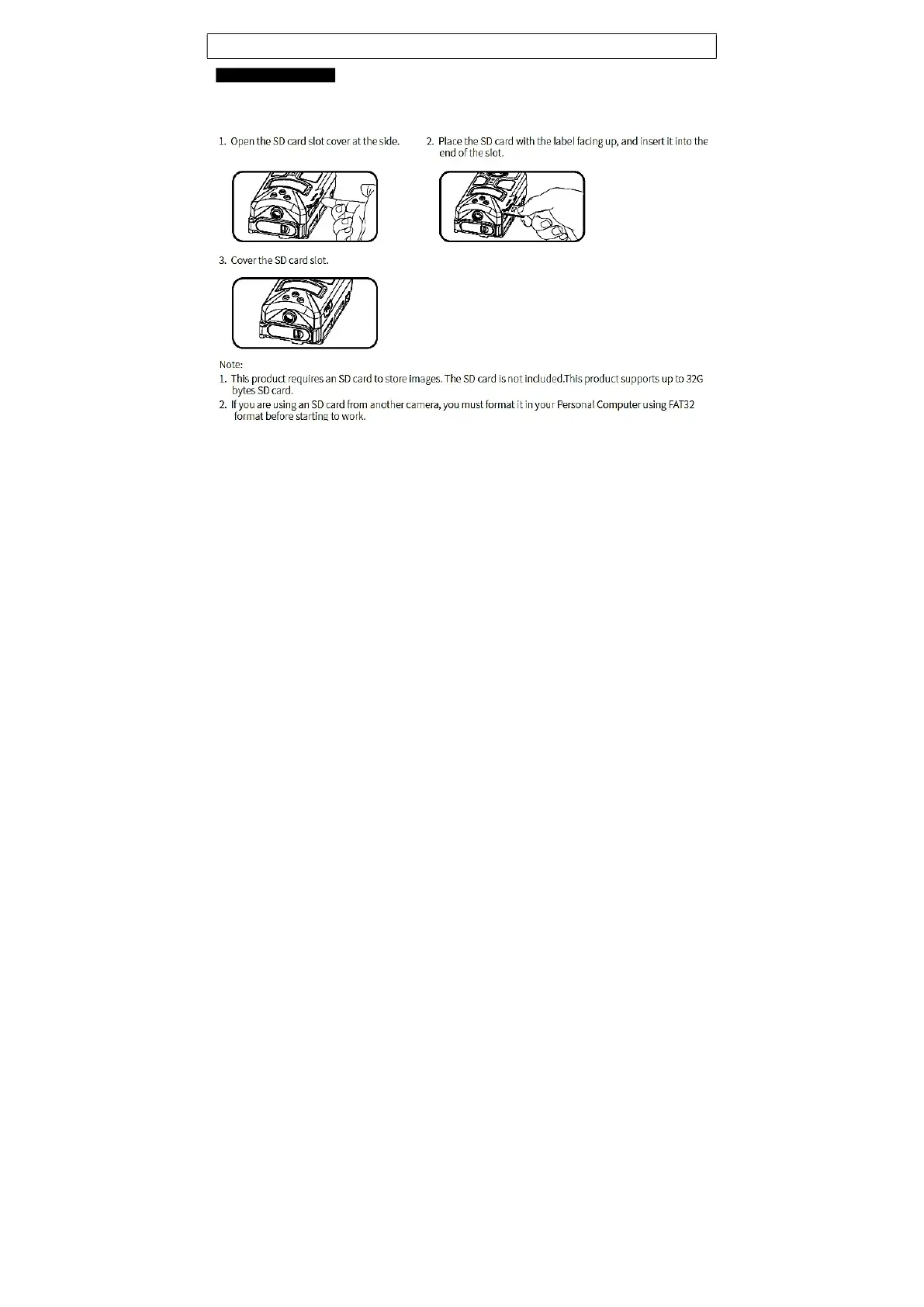
The camera supports both SD and SDHC memory cards up to 32 GB. The camera does not
have any internal memory and will not Activate ON without SD card inserted; “no SD” alert.
Note! Do not use the “micro SD card” with adapter. It may cause saving errors.
Note! Make sure camera is OFF when adding or removing SD memory card.
Note! Ensure SD card is not locked.
Note! Avoid using too fast Read/Write classification type of SD cards. Use less than 80MB/sec
speed SD cards.


 To Next Page