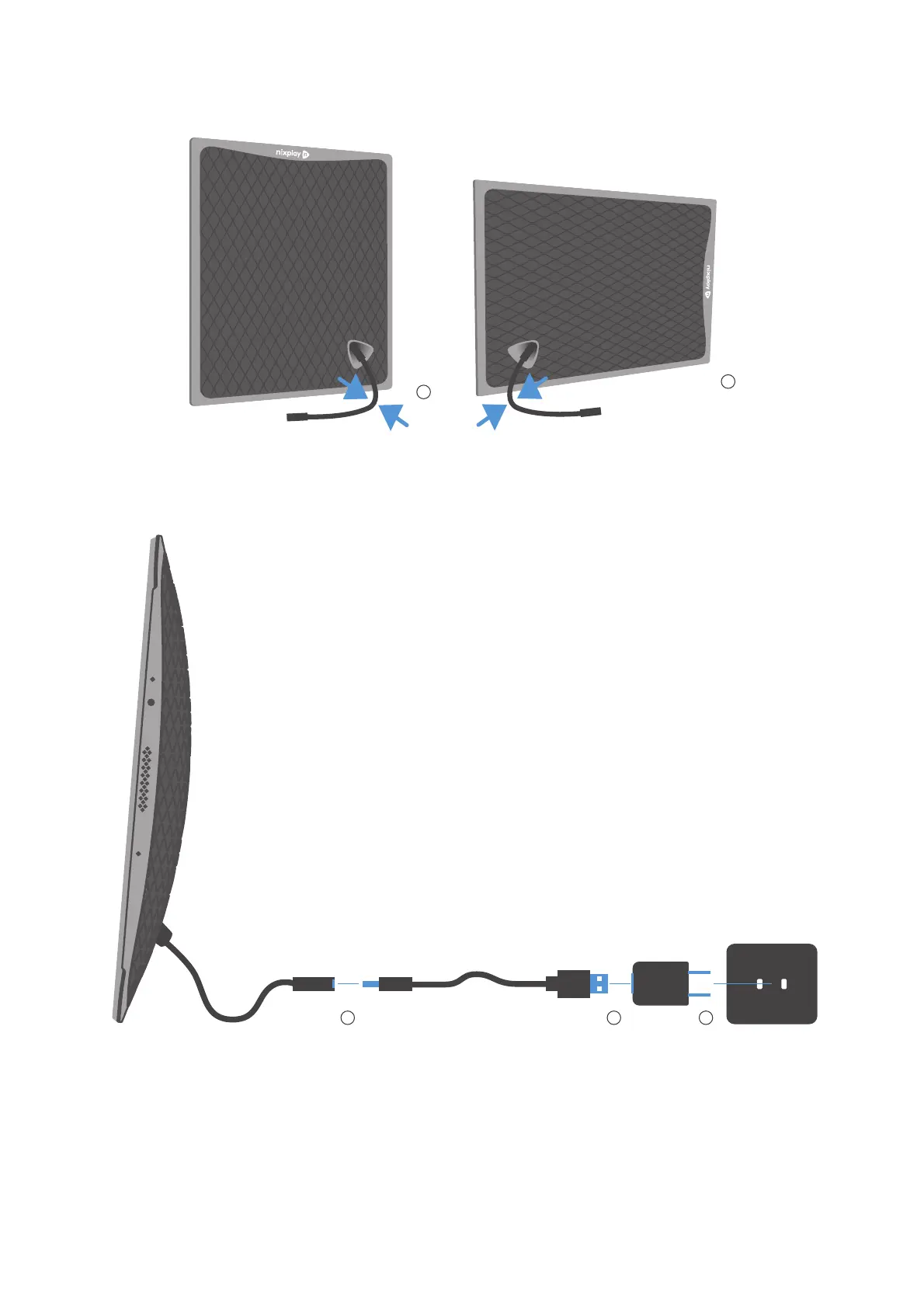
Position the frame in either 1) portrait or 2) landscape orientation, bend the power cable to
stand and to support the frame.
1) Connect the frame into the DC connector.
2) Plug the USB into the power adaptor.
3) Plug the power adaptor into the wall socket.
* The USB cable can only be powered from the supplied power adaptor (5V, 2A). It cannot
be plugged into a computer, laptop or tablet device.



 To Next Page